

Danmini 3MP WiFi Smart Door Peephole Camera
black / USB Type-C
Sale price
€205,73
Regular price
€297,10
or 4 payments of €51,43 with
Klarna
or
Shop Pay
Skip to product information


Danmini 3MP WiFi Smart Door Peephole Camera
★★★★★
Tidesmit Direct Quality
✓ 30-Day Trial · 2-Year Warranty
Sale price
€205,73
Regular price
€297,10
or 4 payments of €51,43 with
Klarna
or
Shop Pay
🚚
Free Global Shipping (14–17 Business Days)
100% FREE
✓ Real-Time End-to-End Tracking Included
Questions? Contact: support@tidesmit.com
Shop Completely Risk-Free
Worldwide
Insured Delivery
30-Day Trial
100% Money-Back
2-Yr Warranty
Direct Factory Cover
Guaranteed Safe & Encrypted Checkout
SPECIFICATIONS
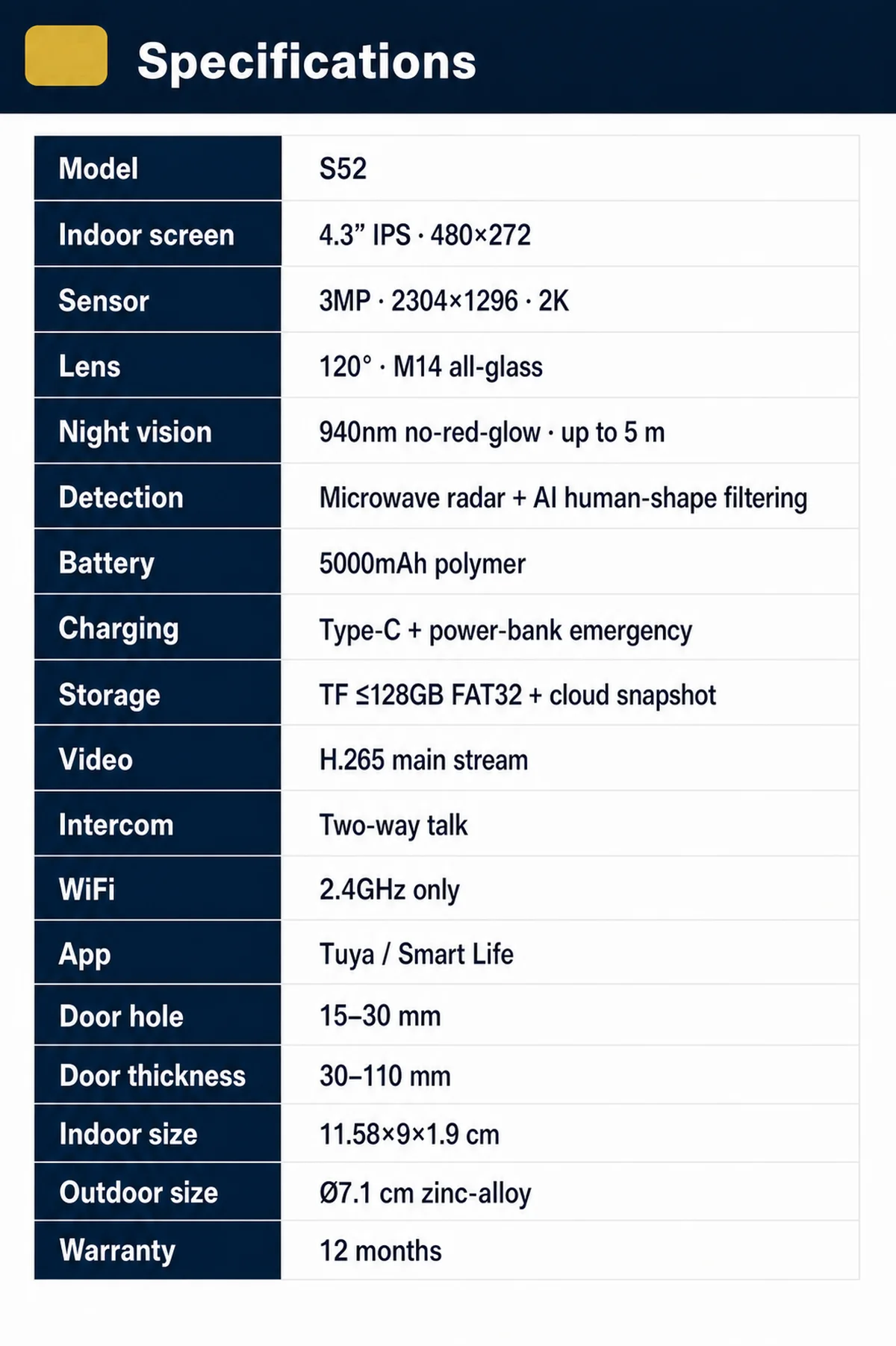
APP Control: Tuya Smart / SmartLife (Android & iOS)
Alarm: Yes
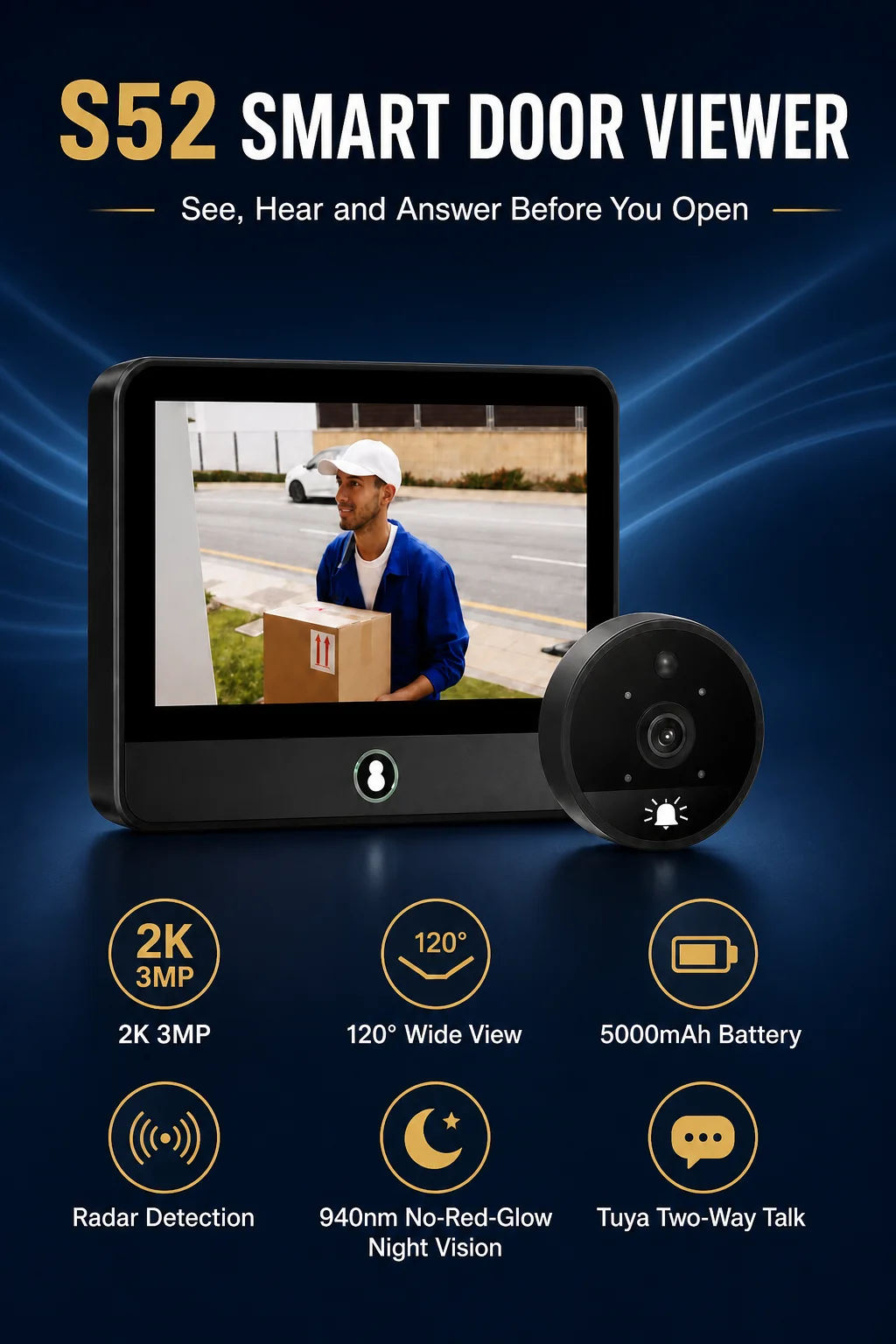
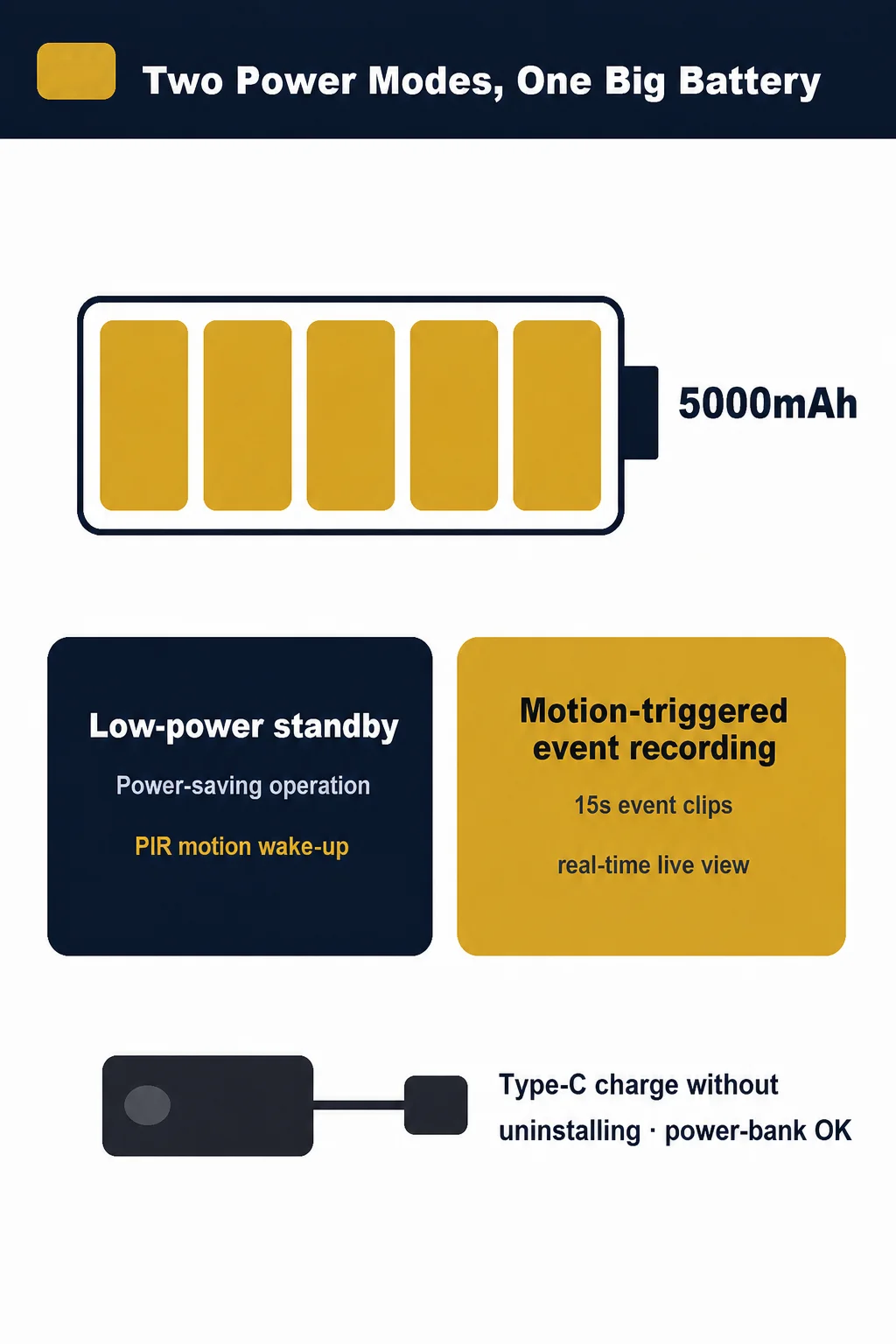
Battery: 5000mAh, Type-C / Power Bank Supported
Brand Name: DANMINI
Certification: CE,FCC,CE / RoHS
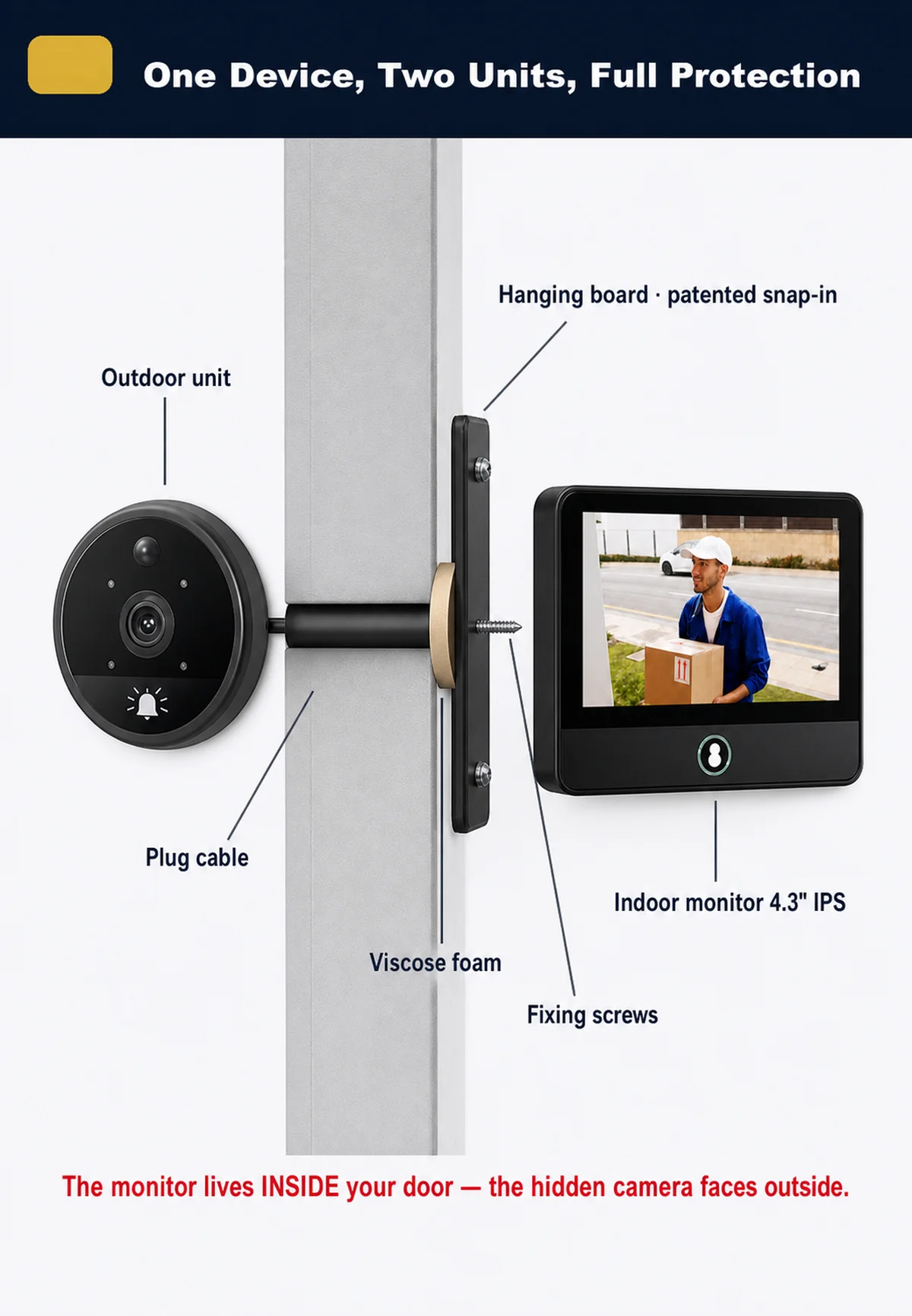
Display: Color,4.3 inch IPS Screen
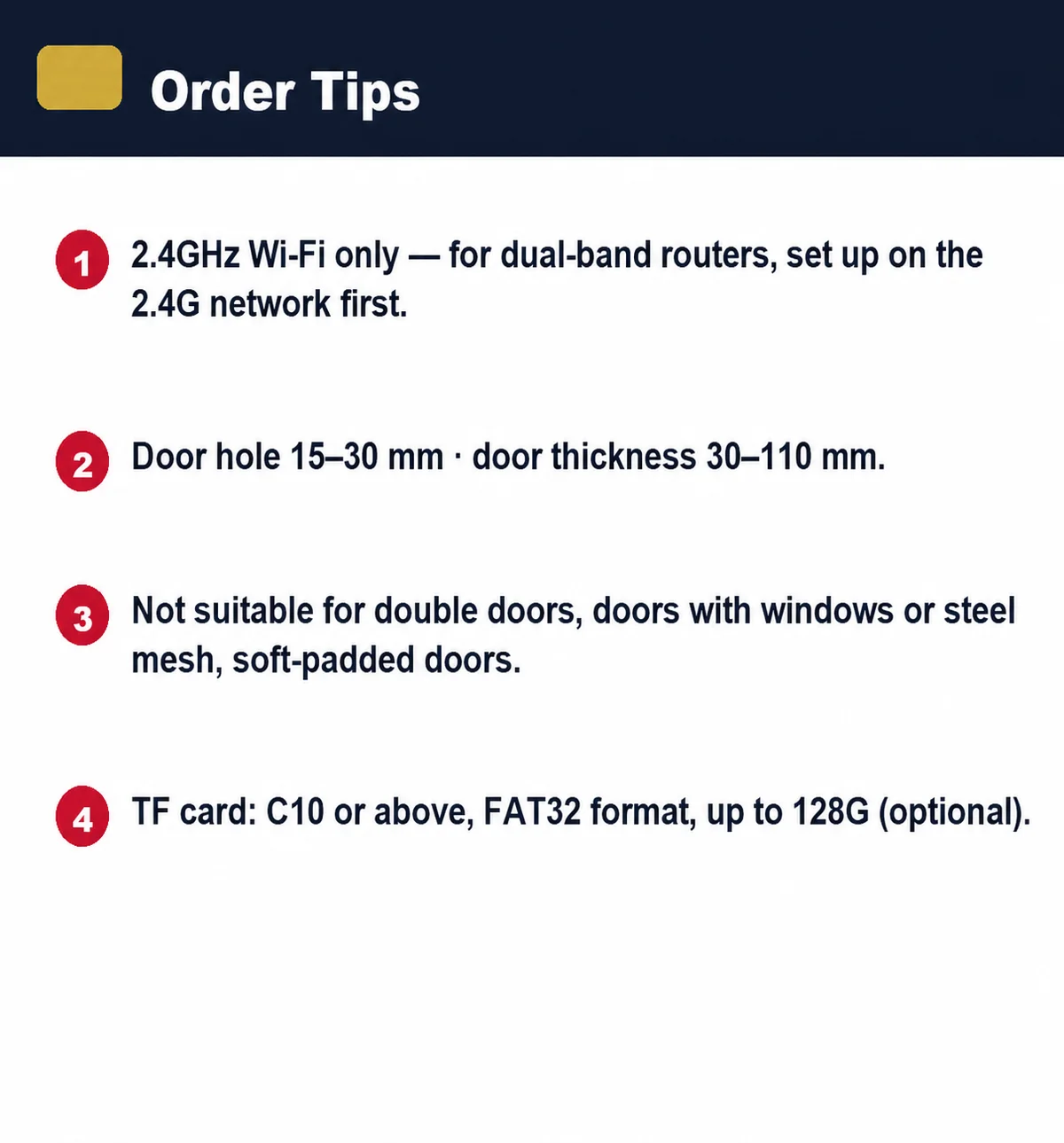
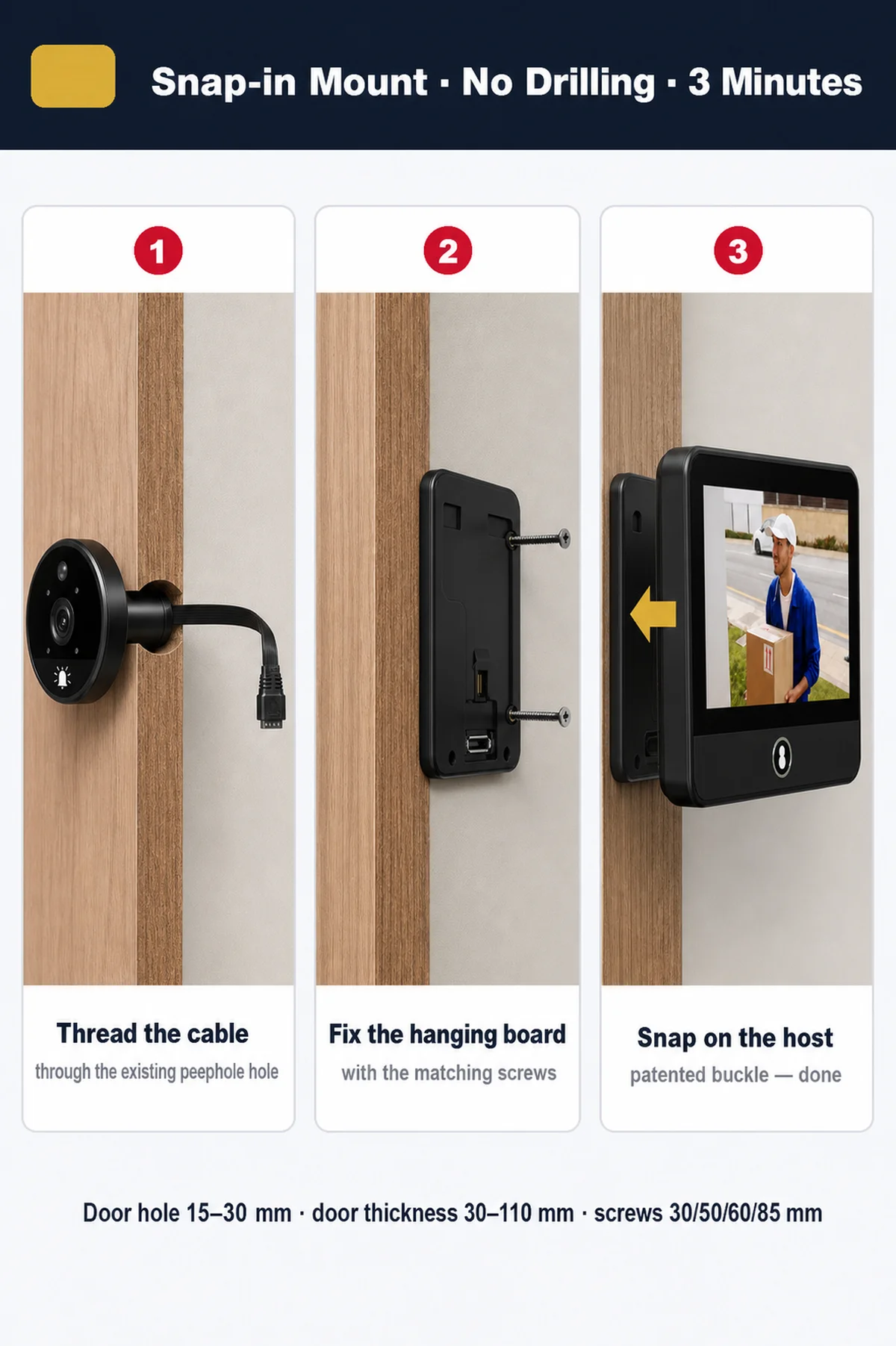
Door Hole Diameter: 15-50mm
Door Thickness: 30-110mm
Doorbell: Built-in Music Doorbell, Multiple Ringtones
Feature: Video,Photograph
High-concerned chemical: none
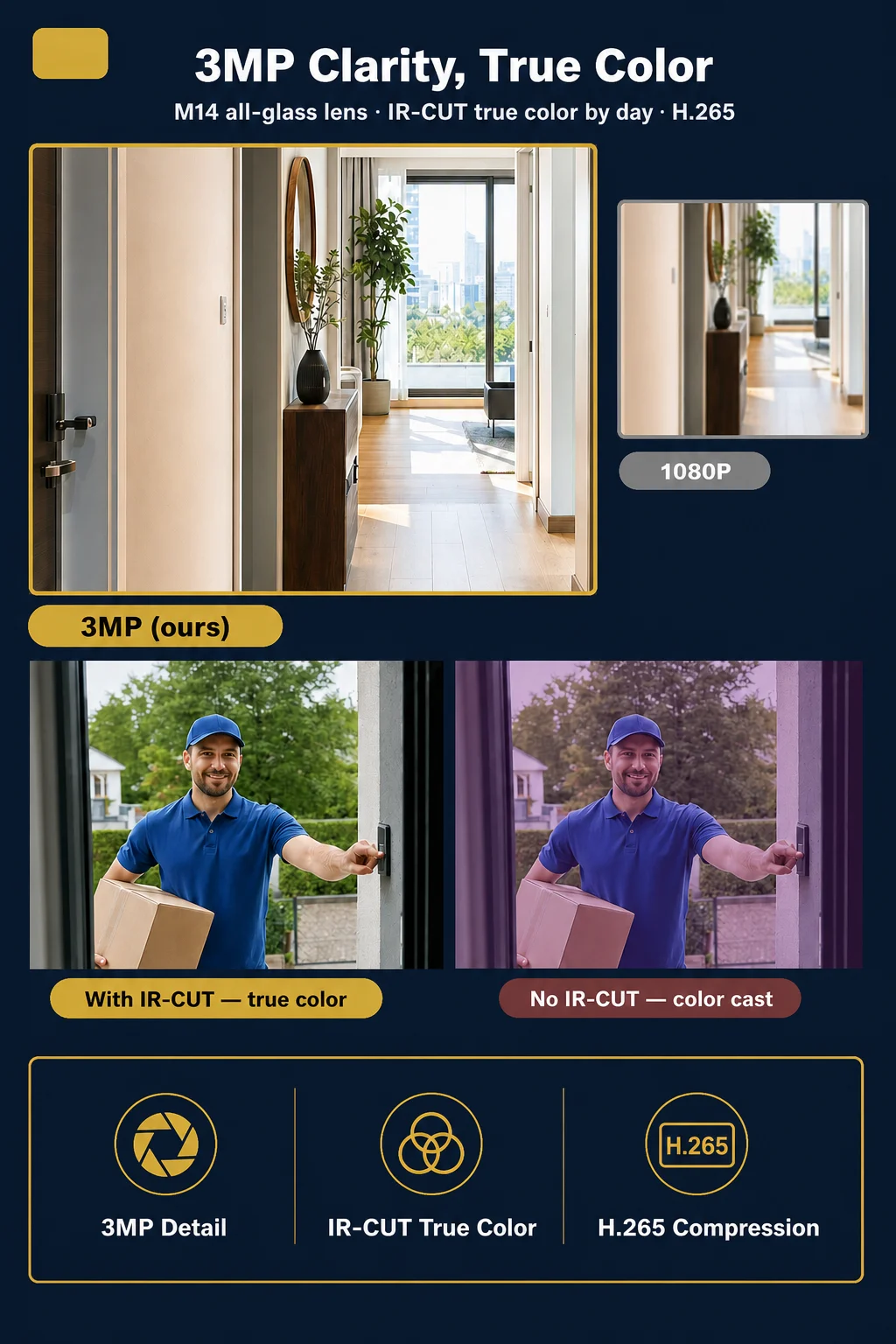
Image Enhancement: IR-CUT Filter, True Color Day / Brighter Night
Item Type: PeepHole
Itercom: Yes
Linking method: Wifi
Model Number: S52
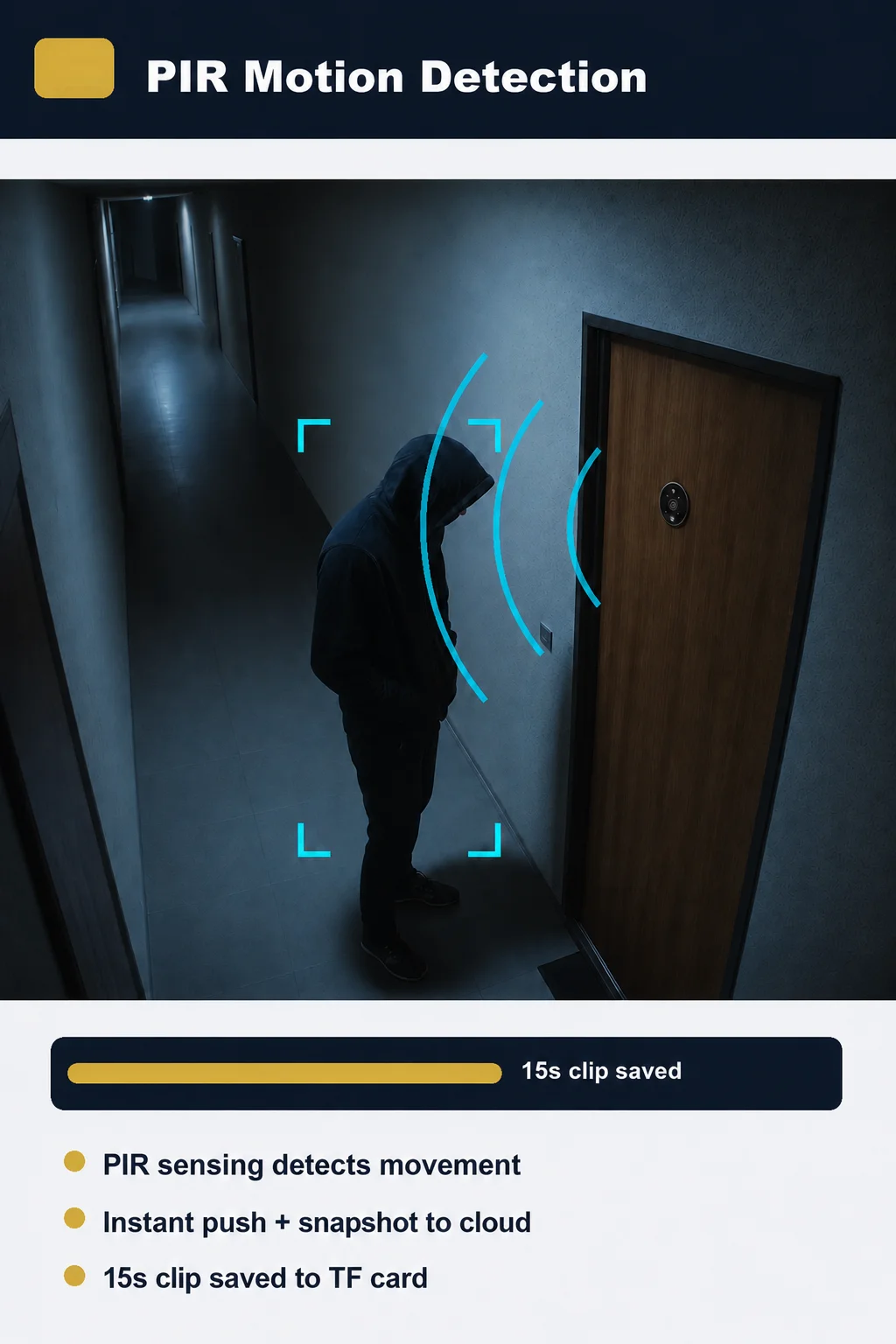
Motion Detection: PIR with Alarm / Snapshot / Recording
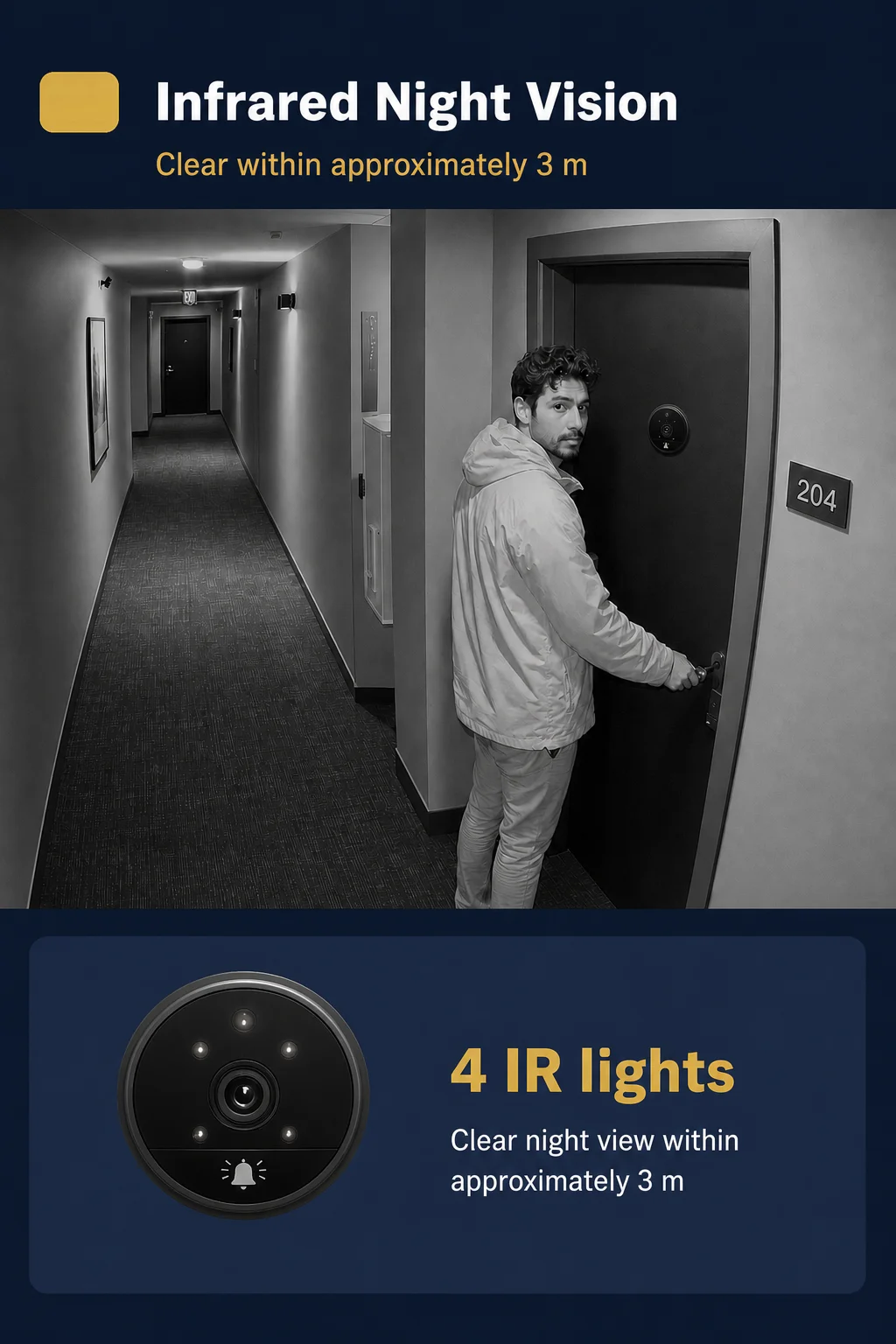
Night Vision: 3M Infrared
Origin: Mainland China
Peephole Material: Patented Positioning Bead + Buckle Plate
Power: Dry battery
Power Modes: Low-Power Standby / Continuous Recording
Smart home platform: Tuya
TF Card: Support Max 32GB (Not Included)
Two-Way Audio: Yes, Built-in Mic & Speaker
Viewing Angle: 120° Wide Angle
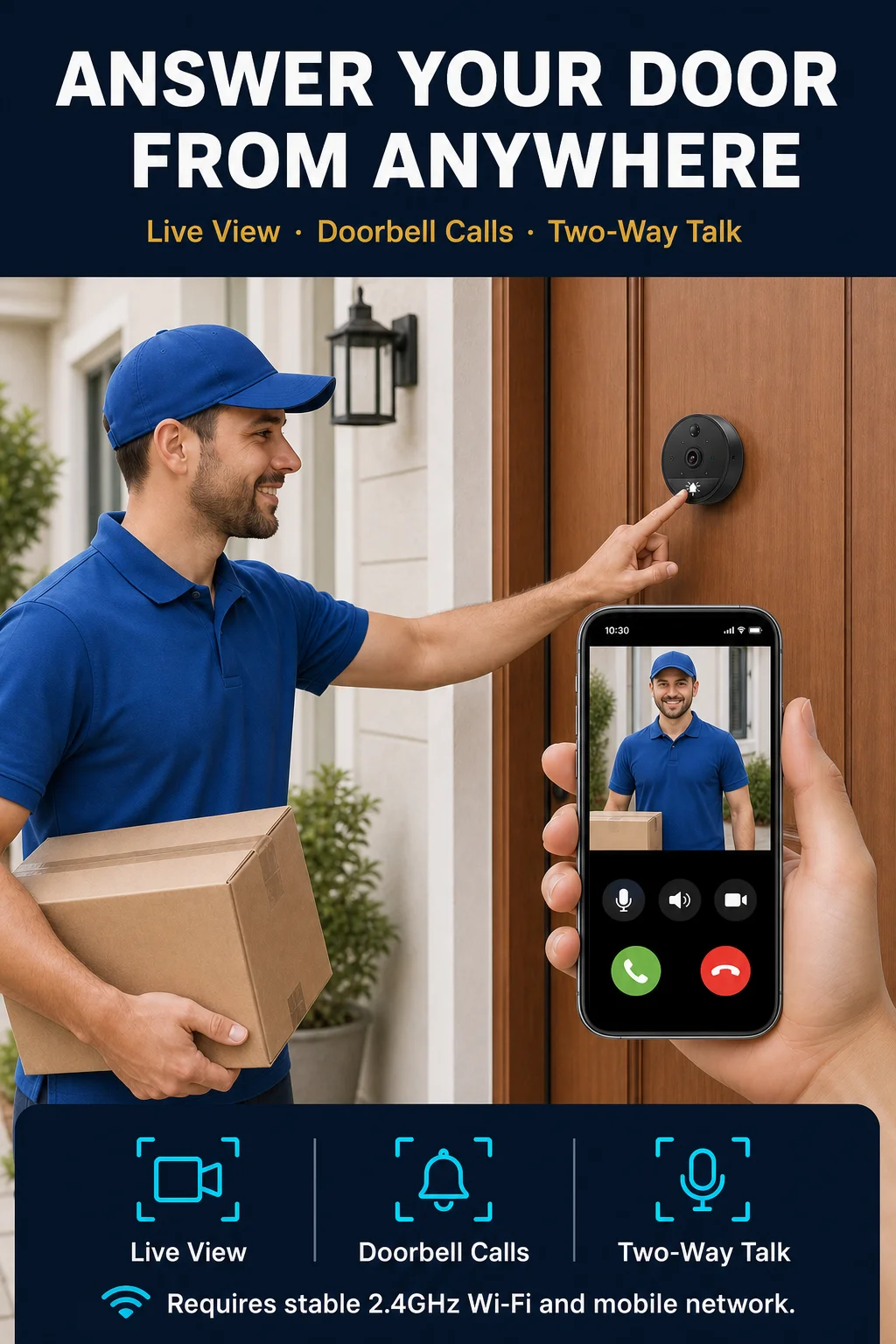
WiFi: 2.4GHz Only, WPA2-PSK
Product Description
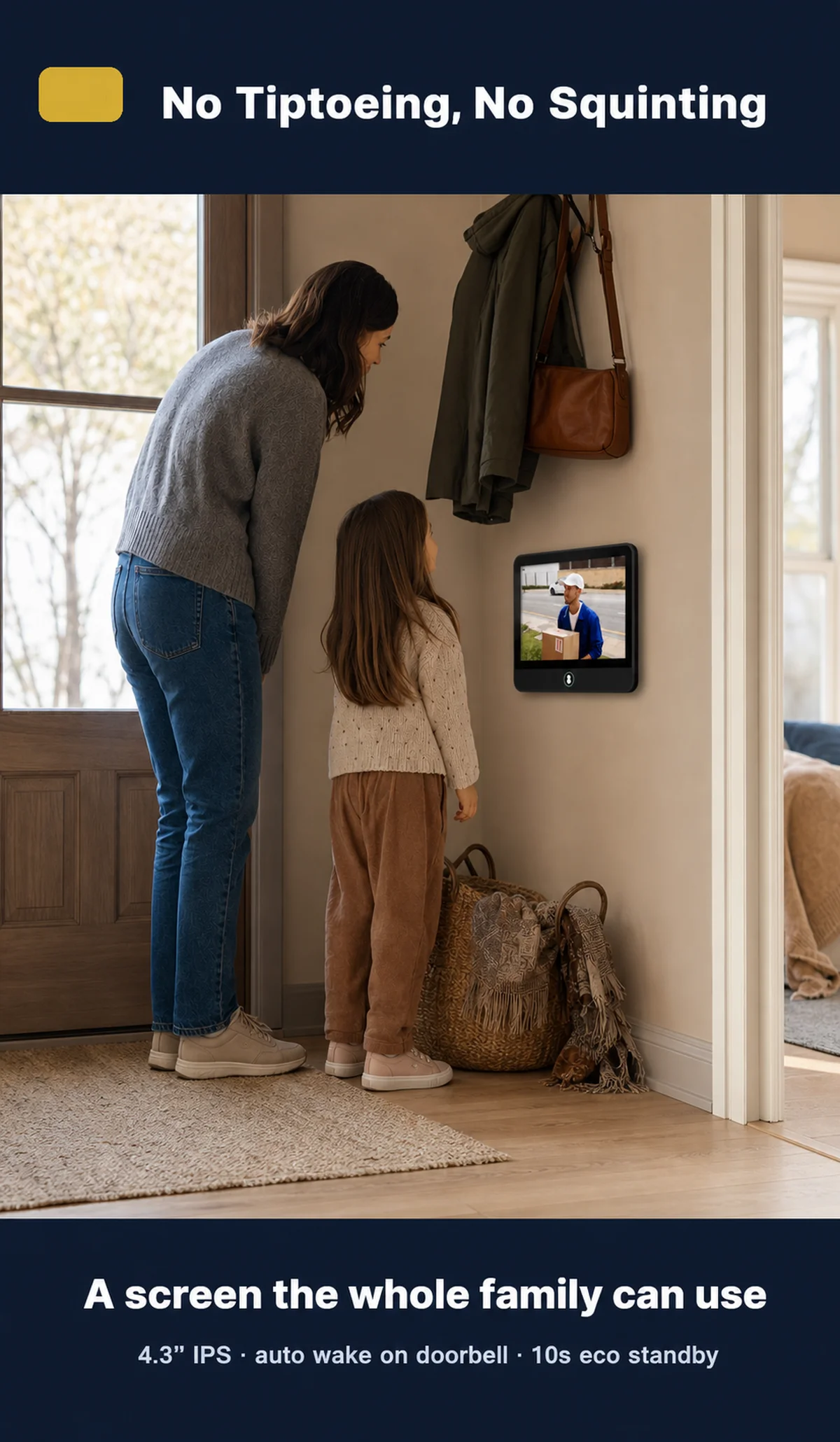
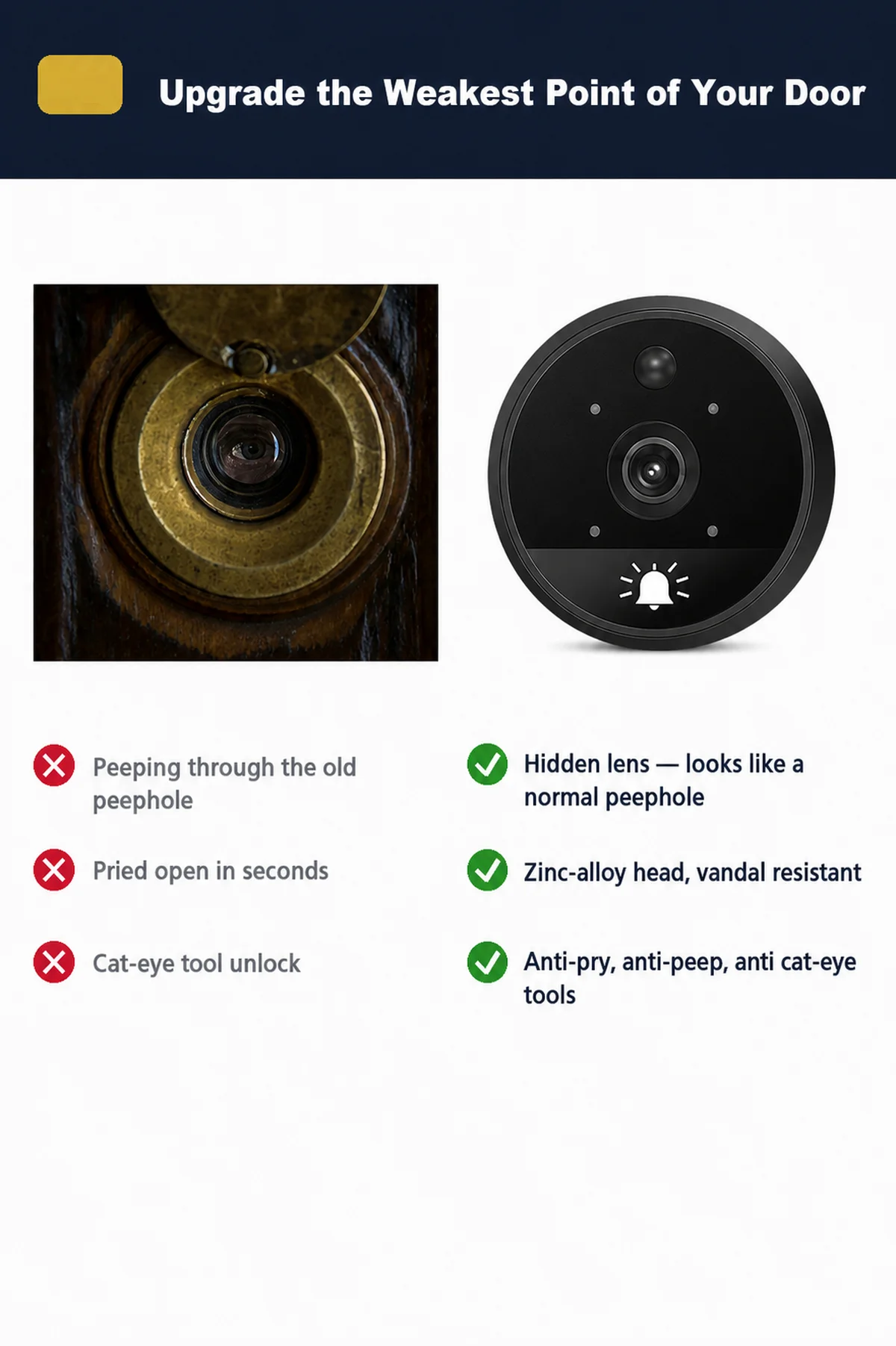
The S52 smart door viewer replaces a traditional peephole with an outdoor camera and a 4.3-inch indoor color screen. When a visitor presses the doorbell, the indoor monitor wakes up and the Tuya App can send a call notification to your phone. You can check the live view and speak with the visitor before opening the door.
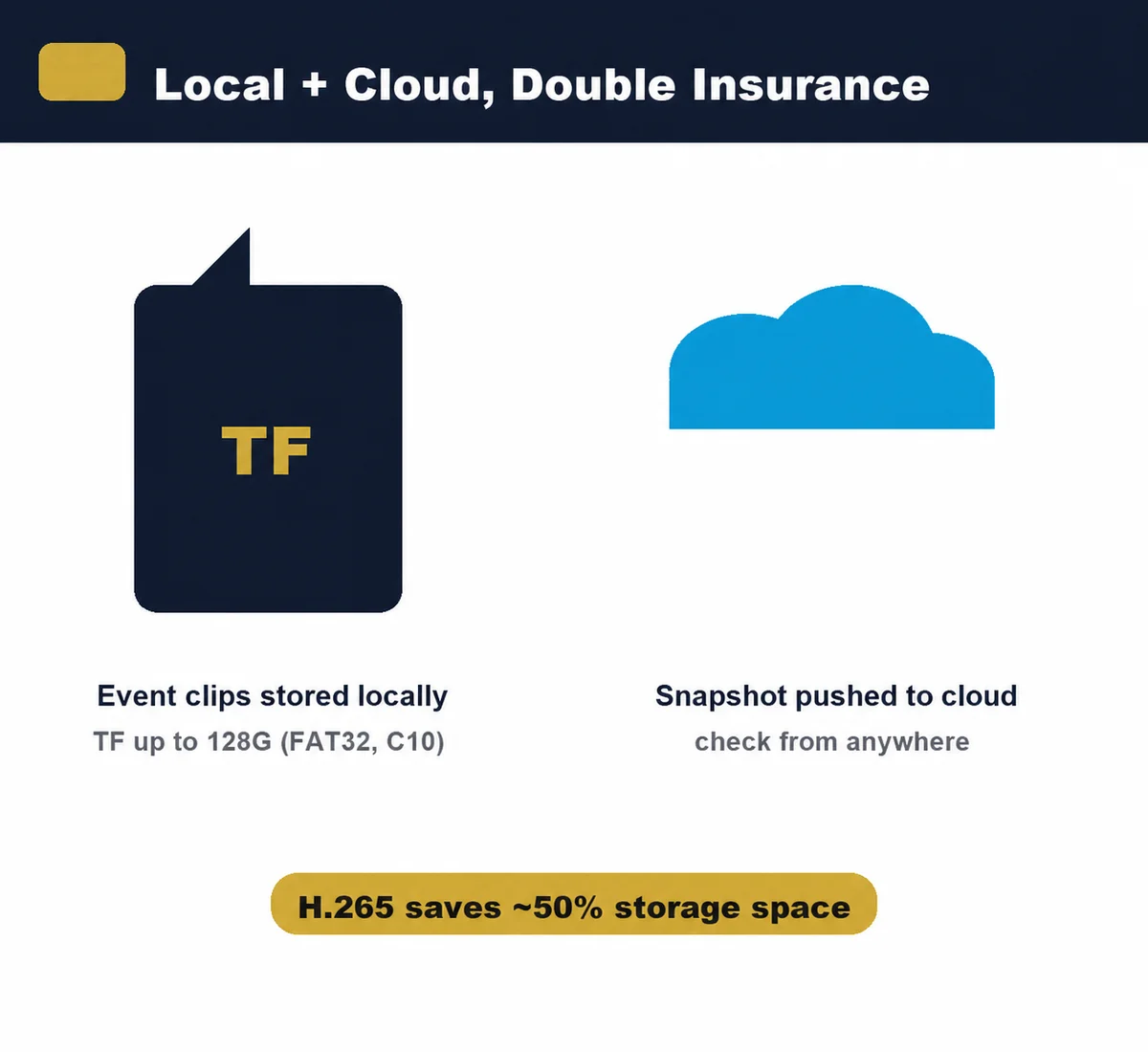
Enable motion detection in the App to receive event alerts. When a compatible TF card is installed, the device can save motion-triggered video clips locally. Each event clip is approximately 15 seconds according to the product manual. Cloud messages or snapshots may be available through the App; local event video is stored on the TF card unless a separate verified cloud-video service is provided.
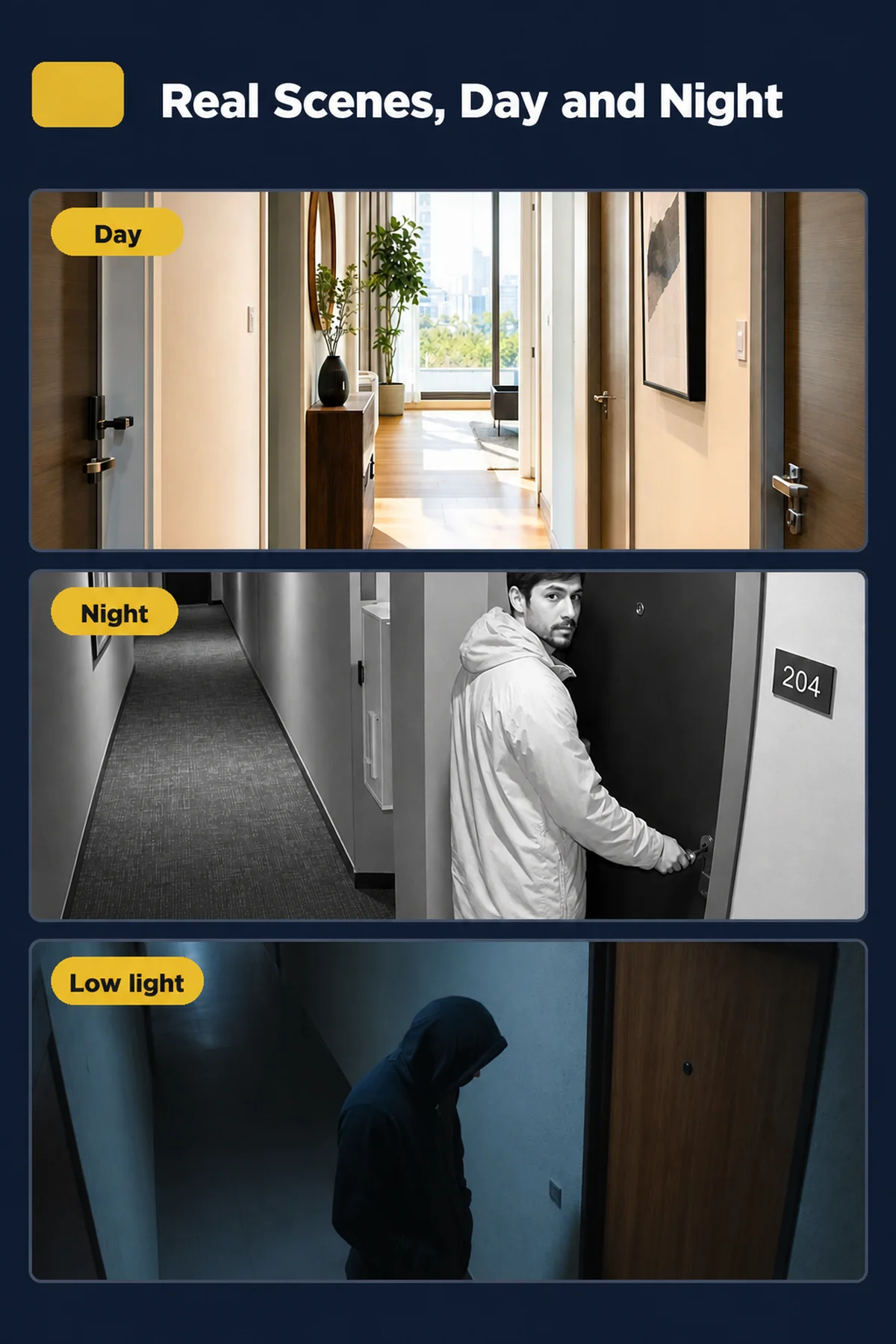
Four infrared lights help show visitors in low light and darkness within approximately 3 meters. Actual night image quality depends on ambient light, installation height and reflective surfaces near the door.
The indoor screen turns off after about 10 seconds to save power. This is normal operation. The device can be recharged through its Type-C port. Actual battery life depends on motion frequency, doorbell calls, night-vision use, live viewing, Wi-Fi strength and temperature.
Before You Buy
- 2.4GHz Wi-Fi only. This device does not connect to a 5GHz-only network.
- A separate 2.4GHz Wi-Fi name and WPA2 security are recommended for easier setup.
- Door materials, walls and router distance may reduce Wi-Fi stability.
- Battery life varies with usage, Wi-Fi strength and environmental conditions.
- Motion recording requires a compatible TF card and must be enabled in the App.
- This is a low-power wake-up device. Very fast movement may not be fully recorded.
- Measure the door thickness and peephole diameter before ordering.
- Start every mounting screw by hand. Do not force the screw or use an electric screwdriver.
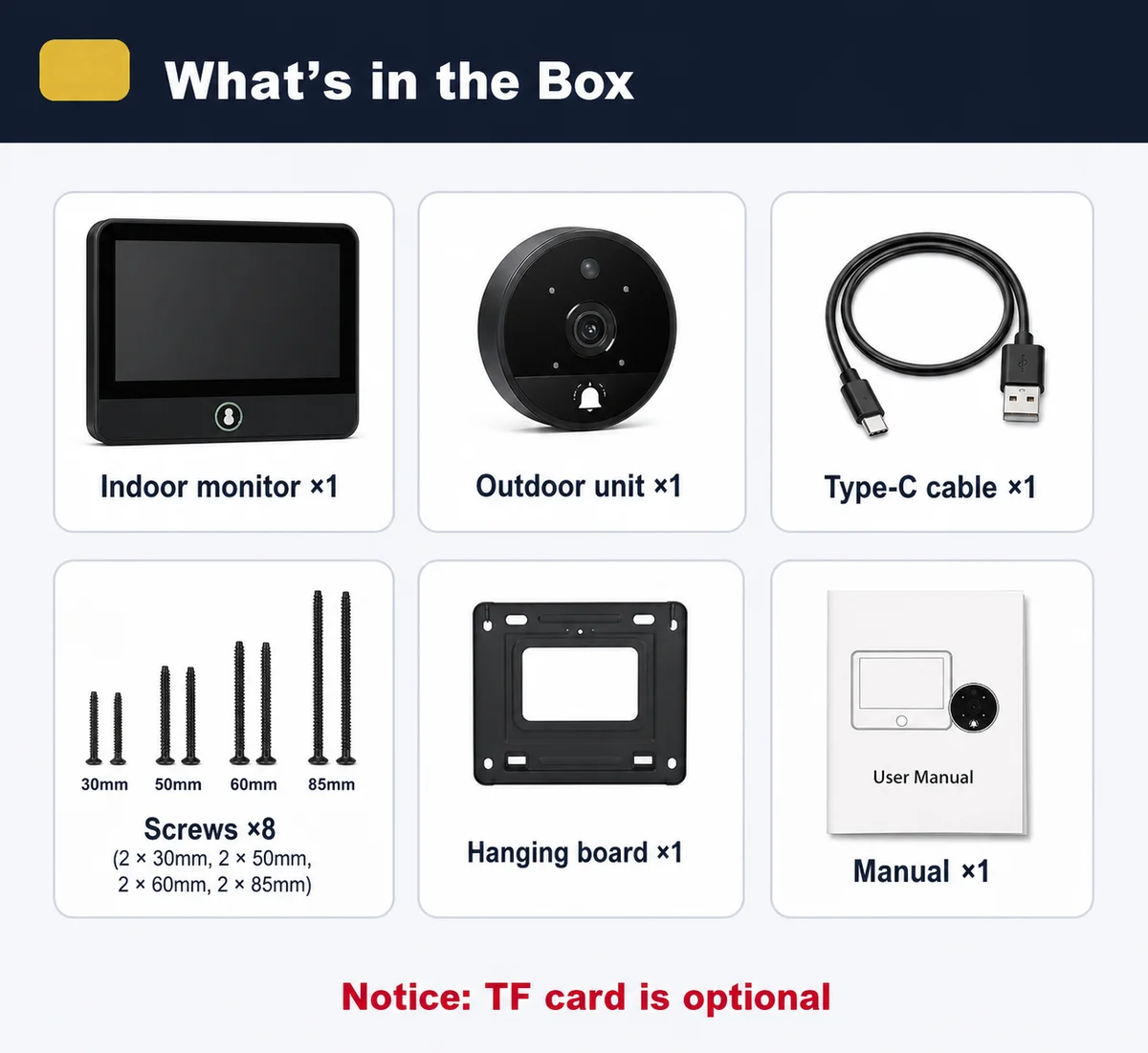
- TF card and charger may be optional. Check the selected package before payment.
Frequently Asked Questions
1. Does it work with 5GHz Wi-Fi?
No. The device works with 2.4GHz Wi-Fi only. If your router combines 2.4GHz and 5GHz under one name, create a separate 2.4GHz network for setup when possible.
2. Why does the device sometimes go offline?
The device may go offline when the battery is low or the Wi-Fi signal at the door is weak. Move the router closer, check the 2.4GHz network and recharge the device. Door materials and walls can also affect signal strength.
3. Why is the live view or App screen delayed?
Live-view speed depends on the Wi-Fi connection at the door, the home internet connection and the mobile network. Test again with a stronger and more stable network.
4. Why did I not receive a doorbell or motion notification?
Check that motion detection is enabled, App notifications are allowed and Do Not Disturb is turned off. Also confirm that the device is online and has enough battery power.
5. Does motion detection capture every person?
Motion detection is designed for low-power wake-up and event alerts. A person moving very quickly may pass before the camera finishes waking, and environmental conditions may also affect detection.
6. Does it record video without a TF card?
Local video recording requires a compatible TF card. Without a card, the App may still receive event messages or snapshots, depending on the current App service, but local event video will not be stored.
7. What TF card should I use?
Use a reliable high-speed TF card in the supported format. The manual lists support up to 128GB, but compatibility can vary by card brand and firmware. Please use the seller's verified card list for the current batch.
8. How long is each recorded event clip?
The product manual specifies approximately 15 seconds for each motion-triggered video clip saved to the TF card.
9. How long does the battery last?
Battery life depends on motion events, doorbell calls, night-vision use, live viewing, Wi-Fi signal and temperature. For this reason, we do not promise a fixed number of days for every home.
9. Why does the indoor screen turn off after a few seconds?
This is normal. The indoor display turns off after about 10 seconds to reduce power consumption. Press the monitor button or receive a doorbell event to wake it again.
10. Can more than one phone use the device?
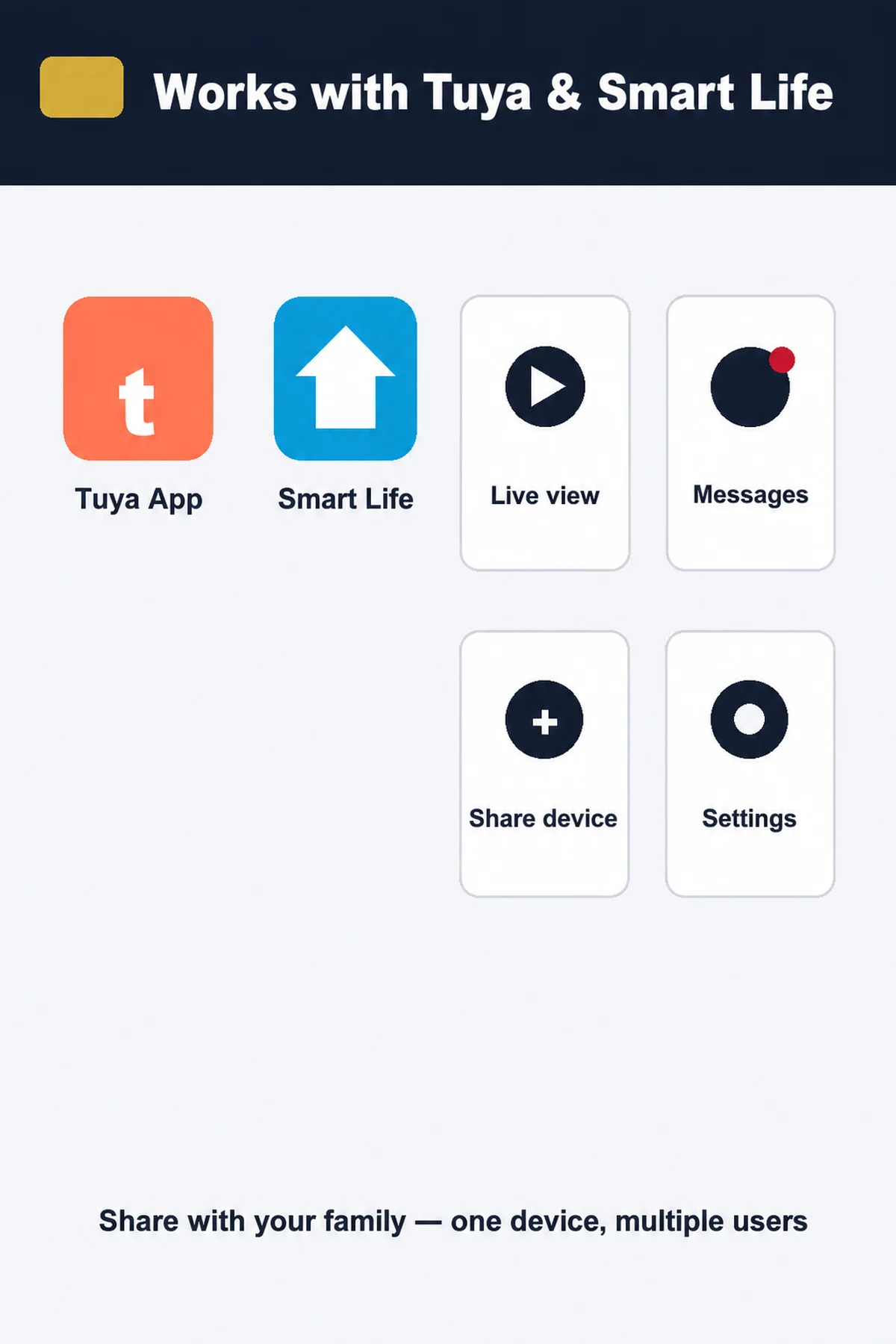
Yes. The owner can share the device with family members through the App. Each user should have a valid App account and the required notification permissions.
You may also like
Direct Manufacturer Promise
The Tidesmit Buyer Guarantee
Every purchase is backed by our direct manufacturer warranty, risk-free in-home trial, and insured global delivery.
🛡️
30-Day Risk-Free Trial
Try any Tidesmit product in your home with complete peace of mind. If you are not 100% satisfied with your performance and comfort, return it within 30 days for a full, hassle-free refund.
✓ 100% Money-Back Guarantee
⚡
2-Year Direct Warranty
As a direct global supplier, every product includes our comprehensive 2-year warranty covering all mechanical parts, electronics, and motors, with complimentary replacement support.
✓ Direct Factory Coverage
✈️
Insured Express Delivery
Orders are dispatched within 24–48 hours with full end-to-end online tracking straight to your door. Every shipment is 100% insured against loss or transit damage.
✓ Real-Time Tracking Included
