
AHXJKA 15.6 Inch Portable Monitor FHD1080P IPS HDR Screen Second Monitor External Screen for MAC Laptop PC Xbox/PS4/5/Switch
black
Sale price
€126,76
Regular price
€175,52
Skip to product information


AHXJKA 15.6 Inch Portable Monitor FHD1080P IPS HDR Screen Second Monitor External Screen for MAC Laptop PC Xbox/PS4/5/Switch
Sale price
€126,76
Regular price
€175,52
SPECIFICATIONS
Application: Laptop
Black and White Response Time: 5 ms
Bracket Type: Ordinary Bracket
Brand Name: AHXJKA
Brightness: 300cd/m
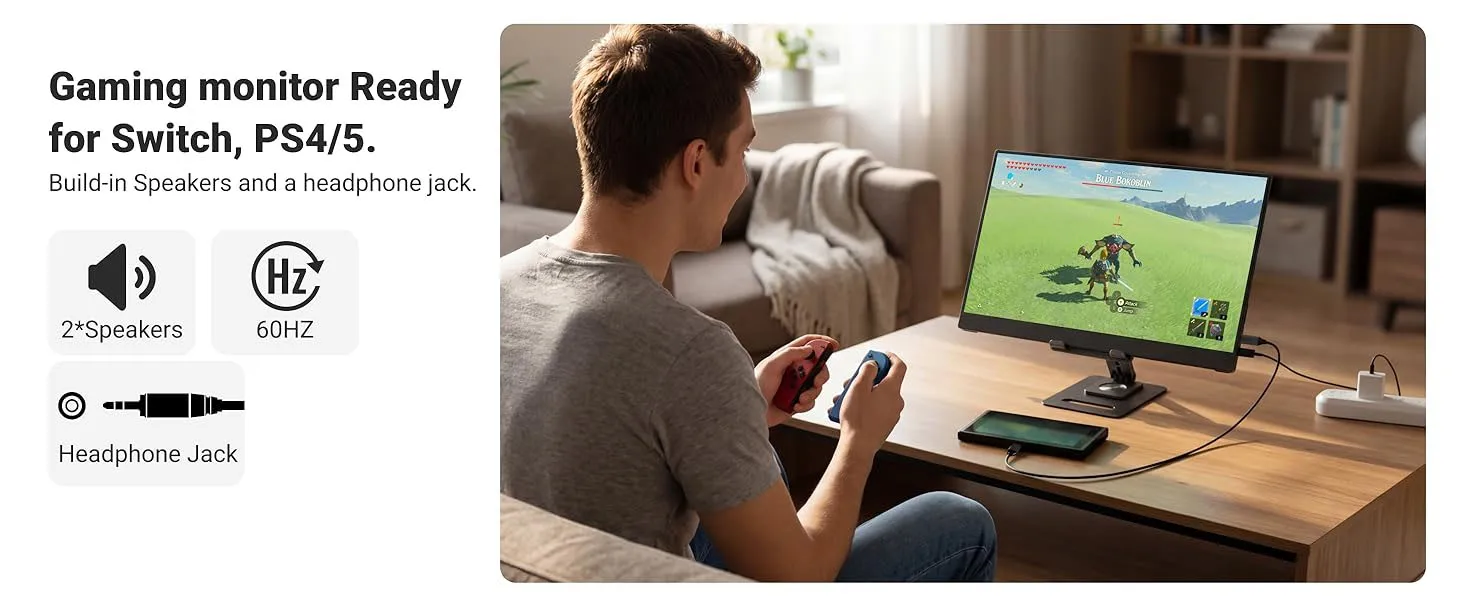
Built-in Speaker: Yes
Certification: RoHS
Choice: yes
Contrast Ratio: 1000:1
Display Ratio: 16:9
Display Size: 15.6
Feature: Speaker
High-Dynamic Range: HDR10
High-concerned chemical: None
Horizontal Viewing Angle: 178°
Interface Type: Type-C
Launch Date: 2022
Matrix color depth: 8 bit
Origin: Mainland China
Panel Type: IPS
Products Status: STOCK
Refresh Rate: 60 Hz
Refresh rate sync technology: AMD FreeSync
Resolution: 1920x1080
Response Time: 5ms
Screen Type: LED
Screen curvature: NONE
Screen surface: MATT
Vertical Viewing Angle: 178°
🔹 High-definition Picture Quality & Immersive Vision
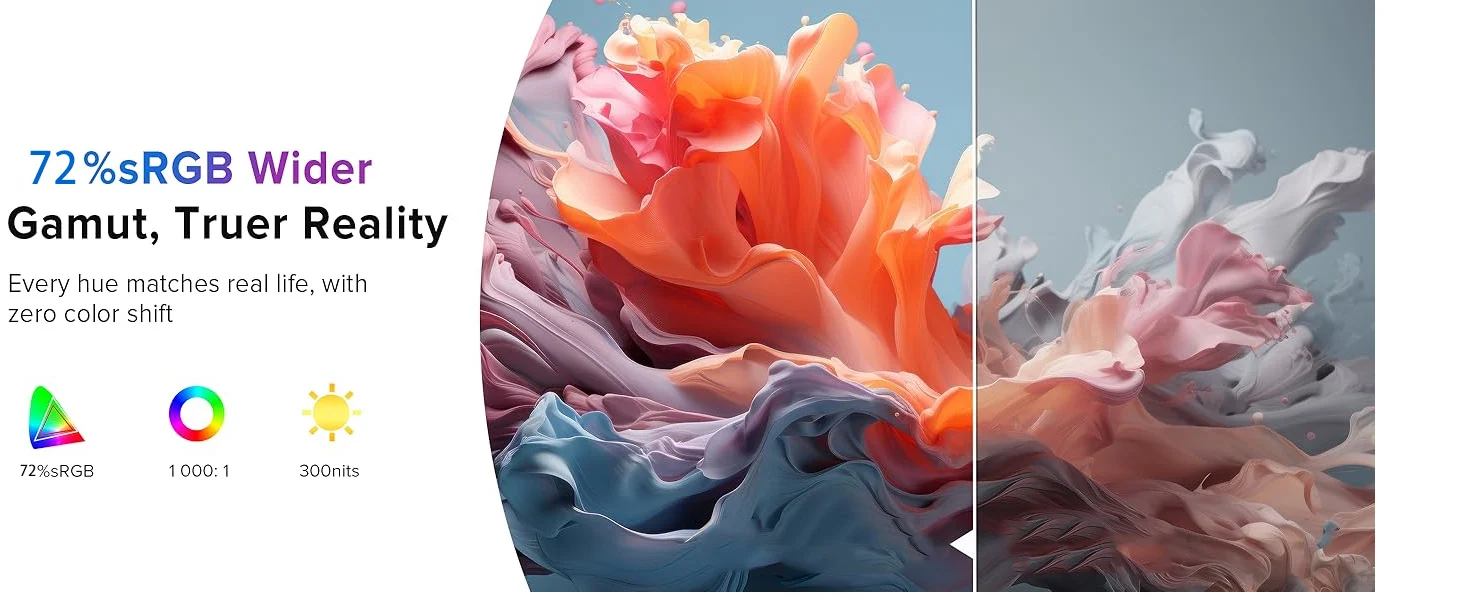
Features a high-definition eye-care screen with authentic and delicate color reproduction and distinct image layers. The wide viewing angle ensures clear visuals without color shift from all directions. Built-in low blue light technology filters harmful blue light effectively, relieving eye strain during long hours of working, watching videos or gaming.
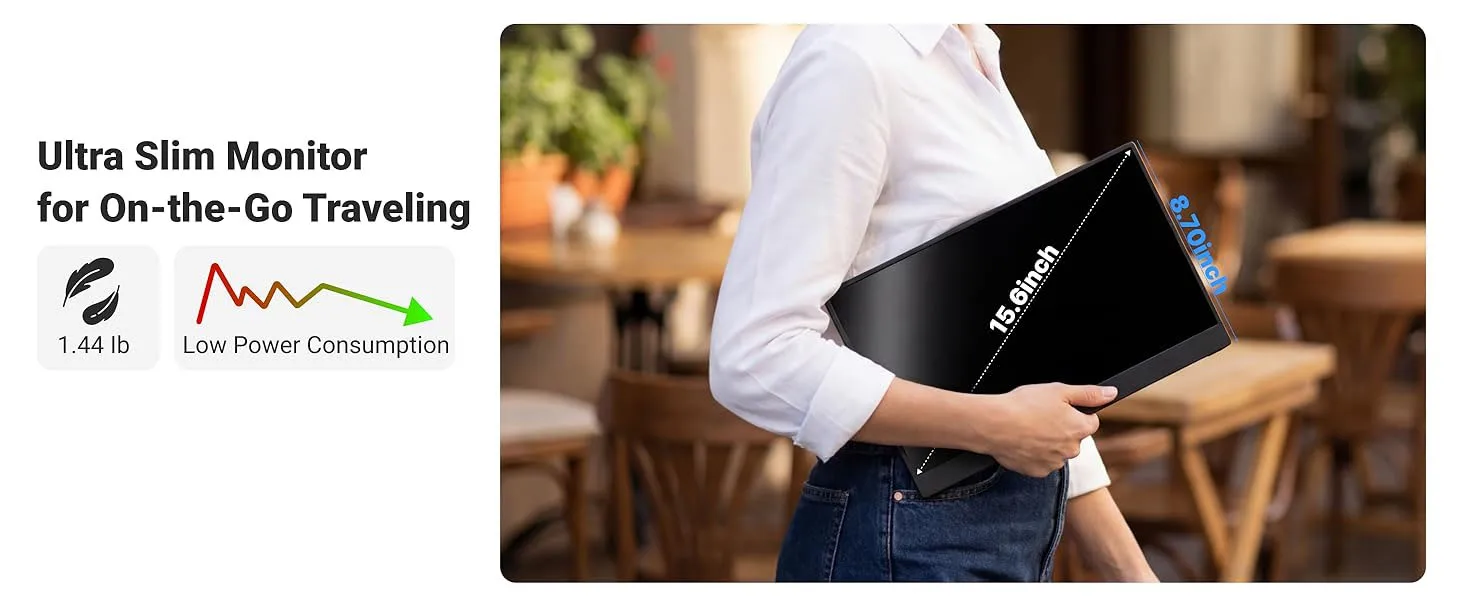
🔹 Ultra-thin & Portable, Easy to Carry
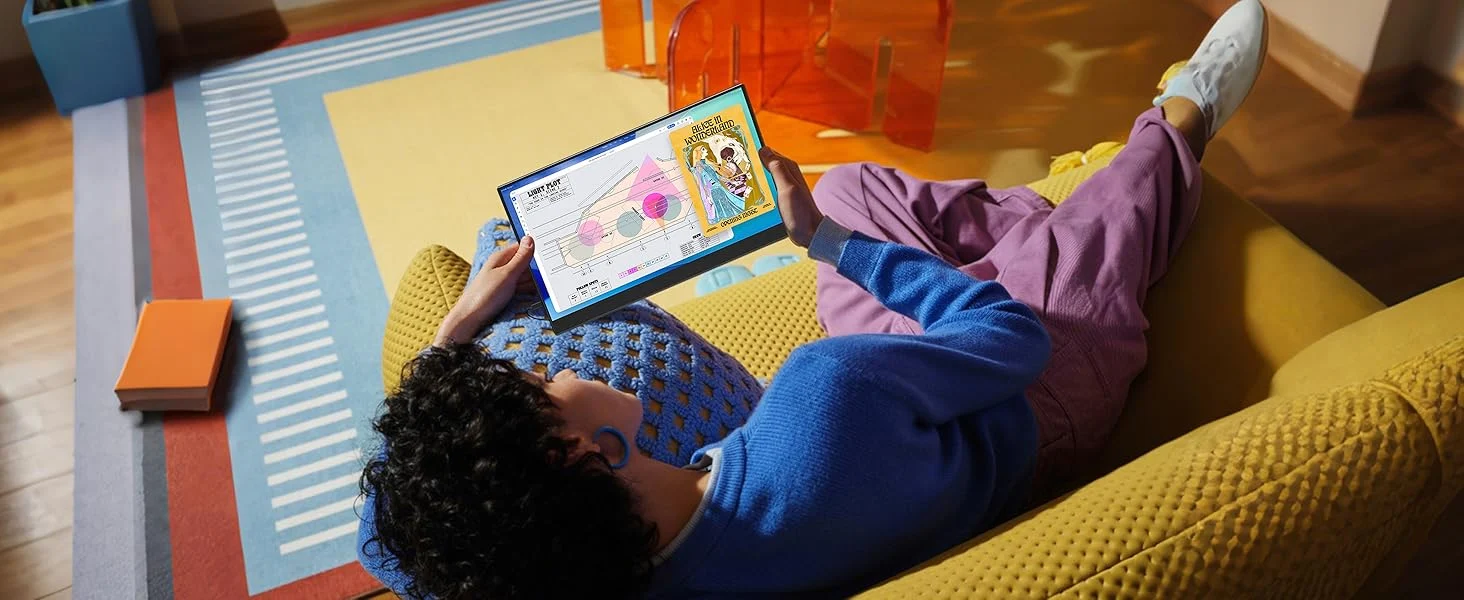
Ultra-slim and lightweight design as portable as a tablet. It fits easily into backpacks or briefcases. Ideal for commuting, business trips, outdoor work and dormitory use. Say goodbye to bulky traditional monitors and enjoy big-screen enjoyment anywhere you go.
🔹 Full-compatibility Ports, Instant Connection
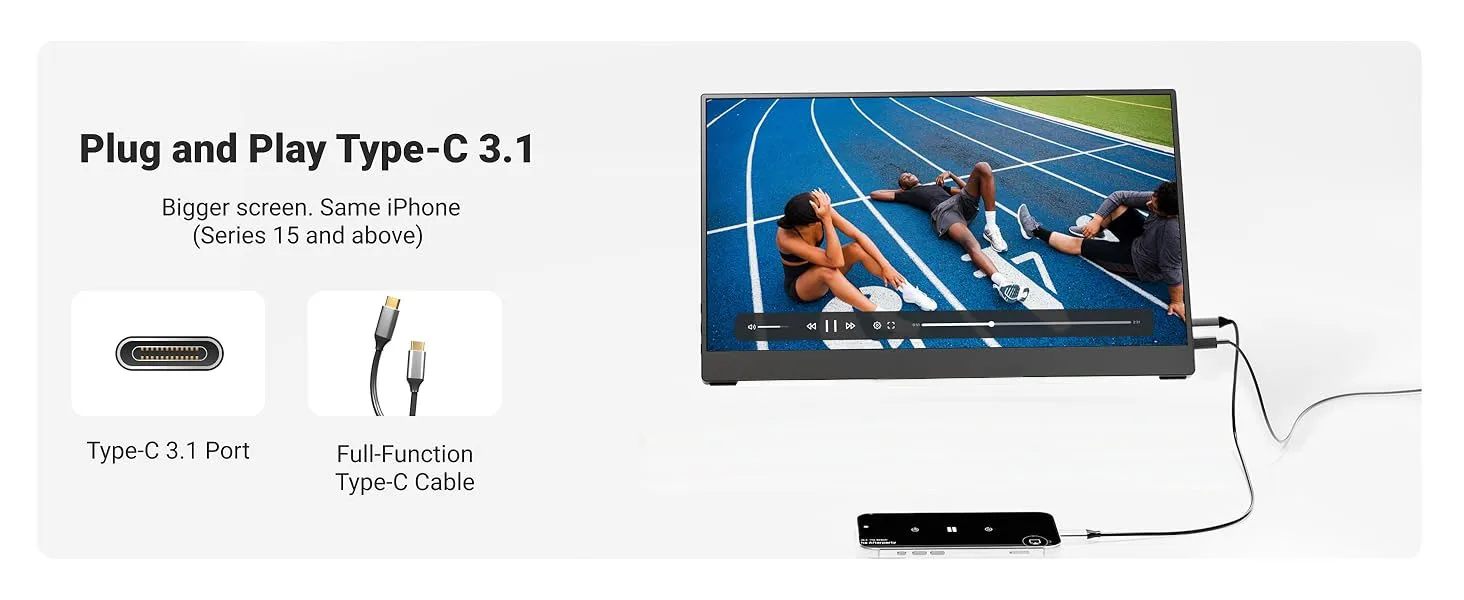
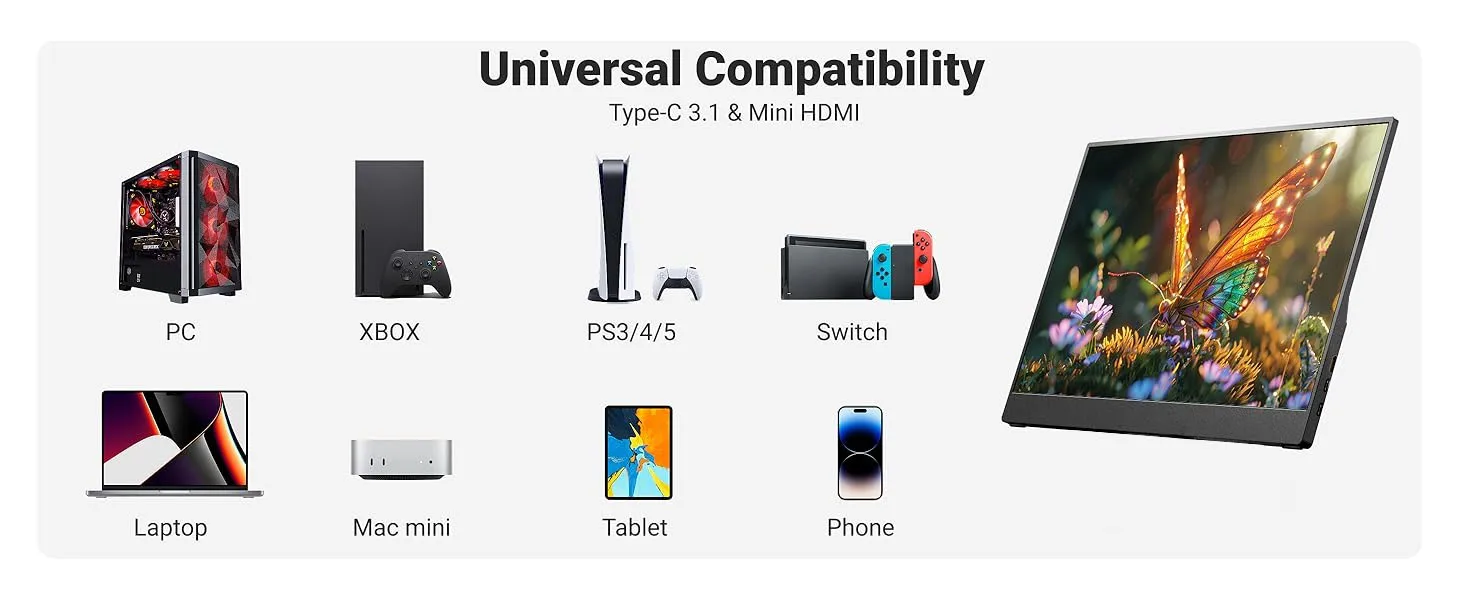
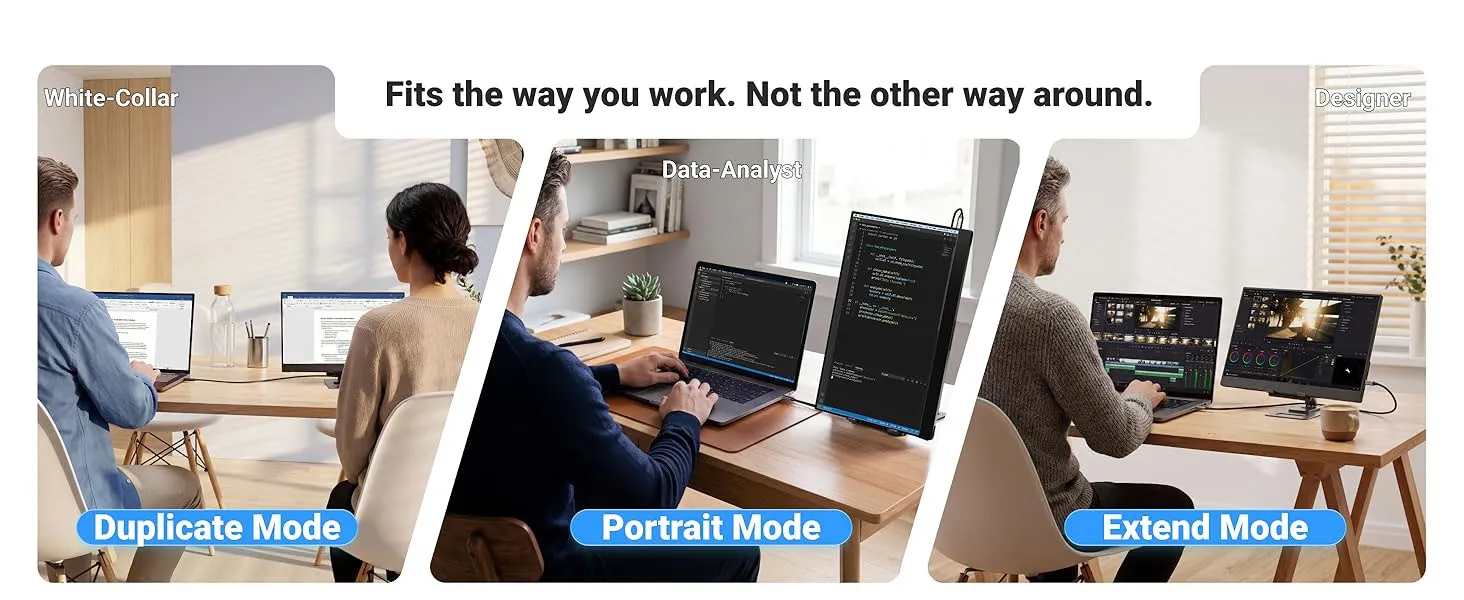
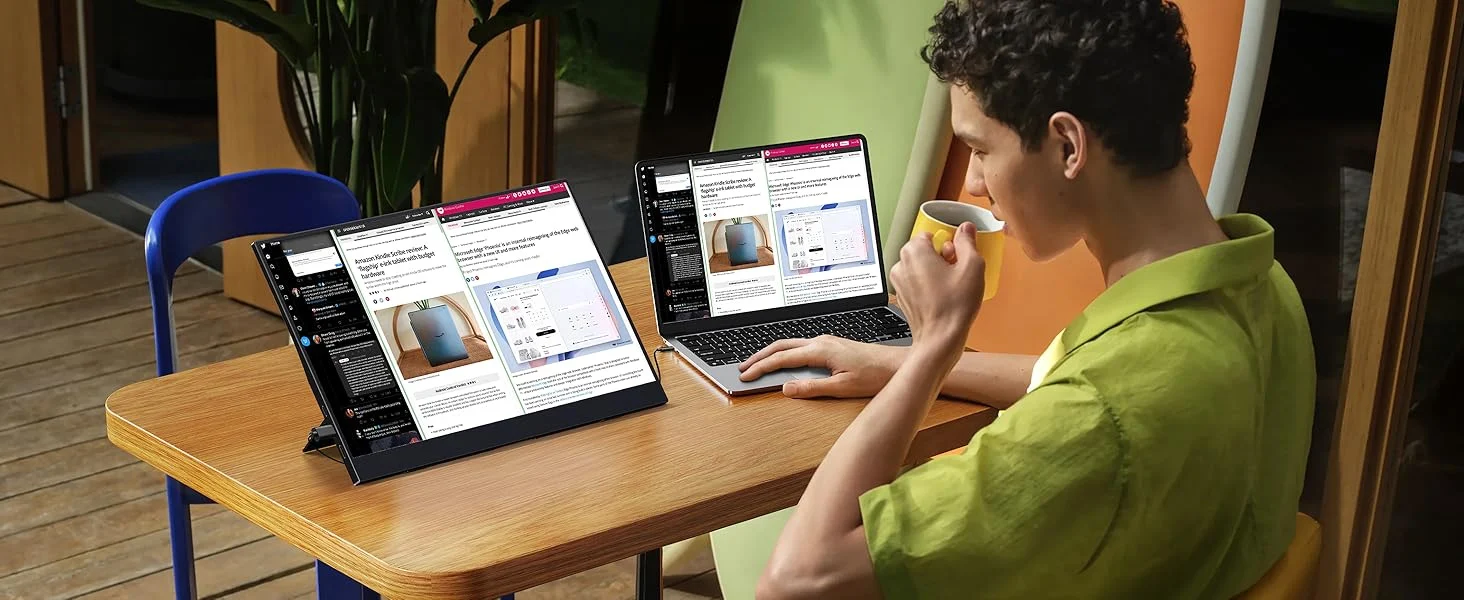
Comes with versatile integrated ports including Type-C and HDMI. Plug and play to connect laptops, smartphones, game consoles, desktops and tablets directly without extra adapters. Supports screen mirroring, extended display and duplicate display modes to meet diverse needs.
🔹 Multi-functional Stand for Flexible Placement
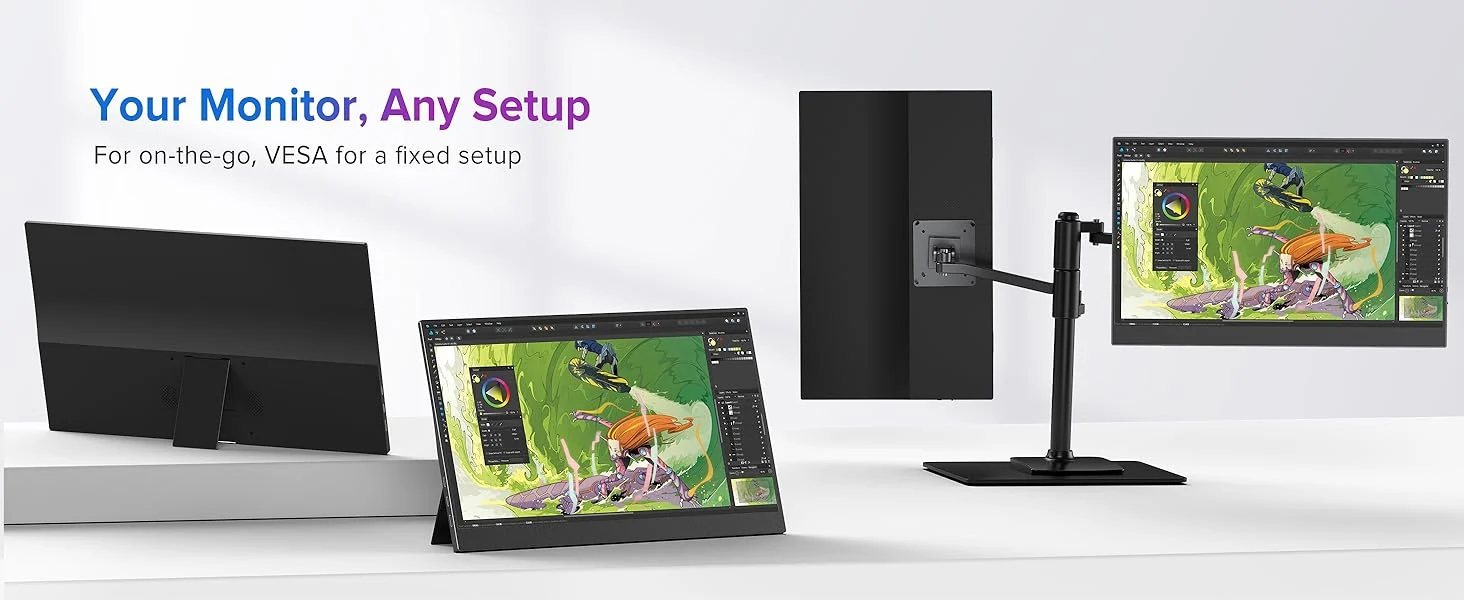
Built-in sturdy all-in-one stand requires no extra accessories. Adjust the tilt angle freely for ergonomic viewing. It stands steadily on the desk, delivering comfortable viewing angles for office work, movie watching and gaming.
🔹 Versatile for Multiple Scenarios
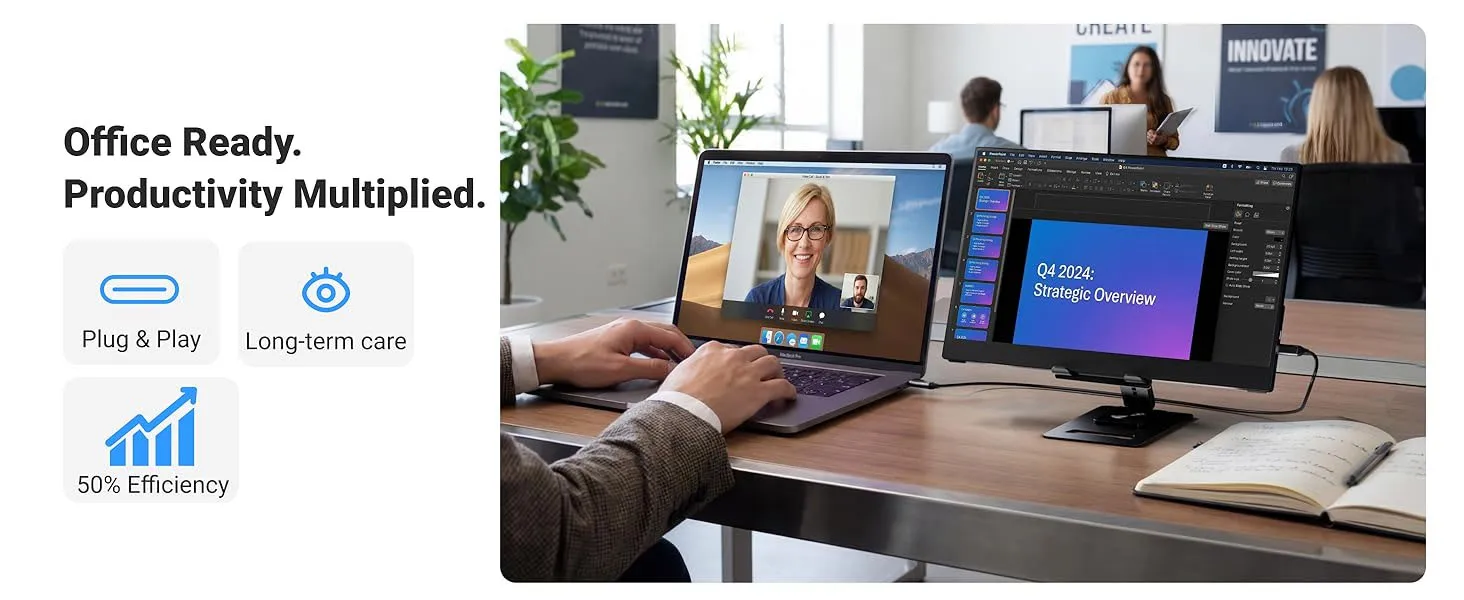
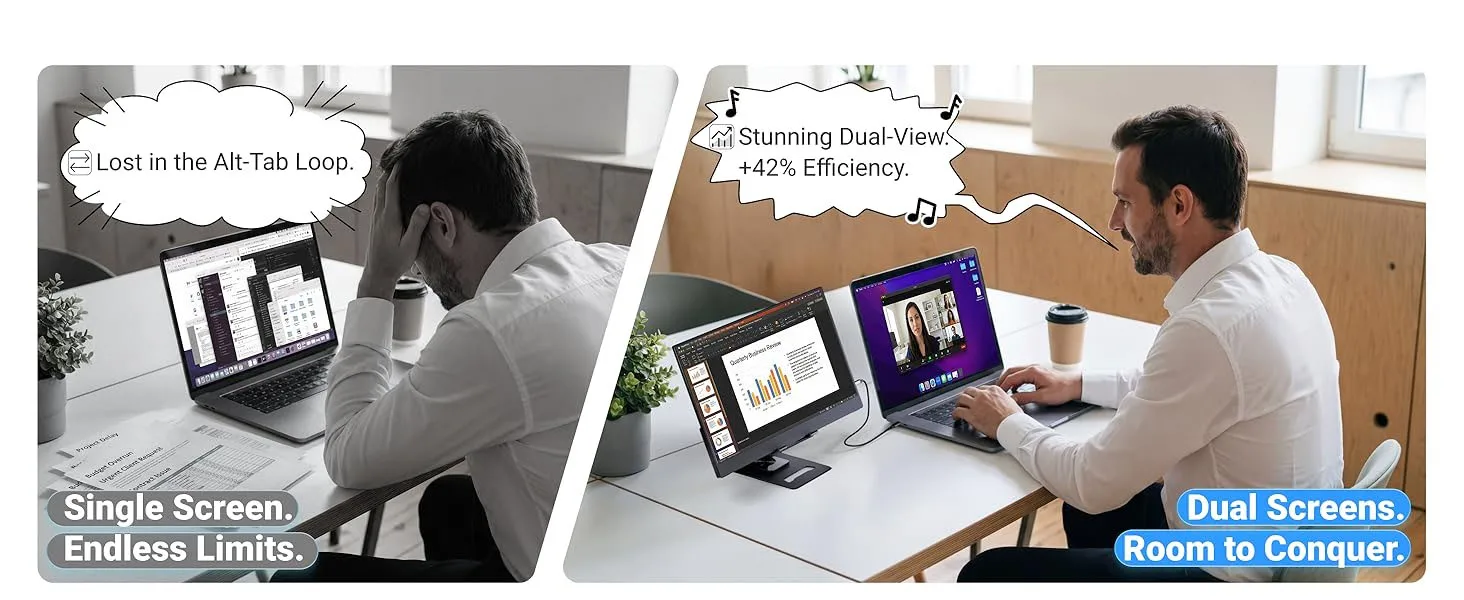
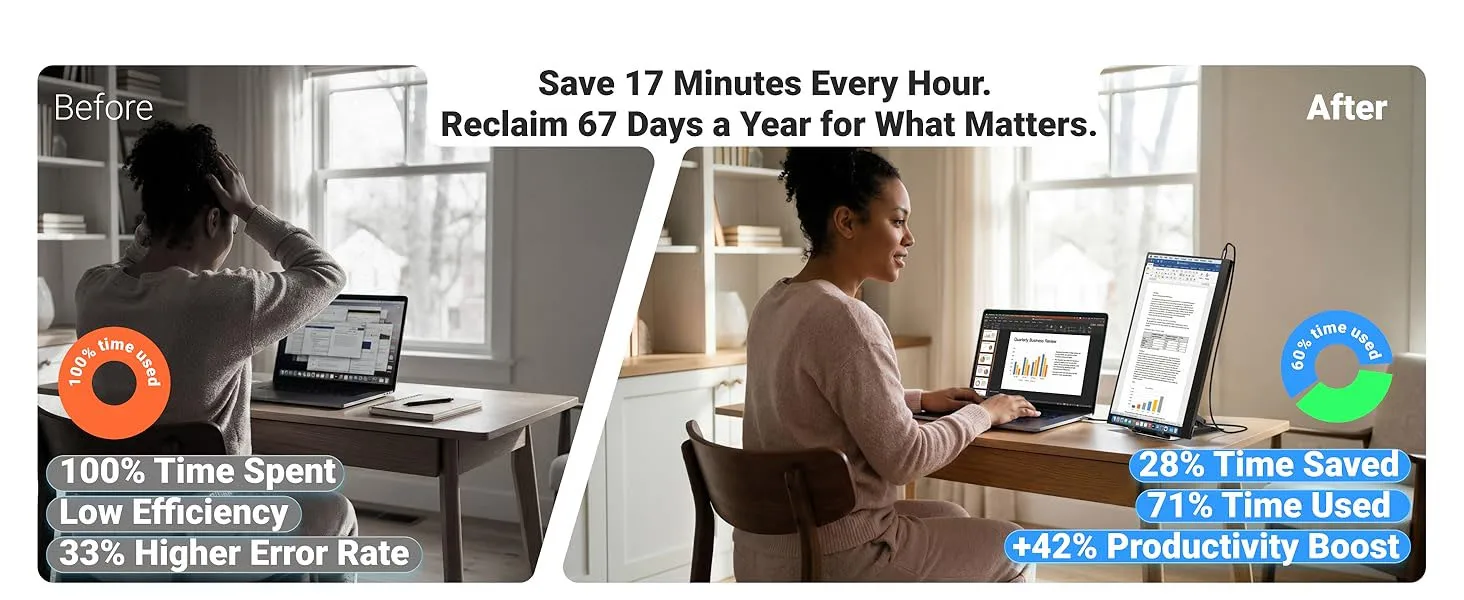
✅ Office workers: Boost productivity with dual-screen setup for document comparison, data analysis and multi-window operation.
✅ Entertainment lovers: Stream videos and play games on a larger screen for immersive experience.
✅ Business travelers: Portable big screen for outdoor work and business presentations.
✅ Students: Perfect for online courses, courseware viewing and video editing.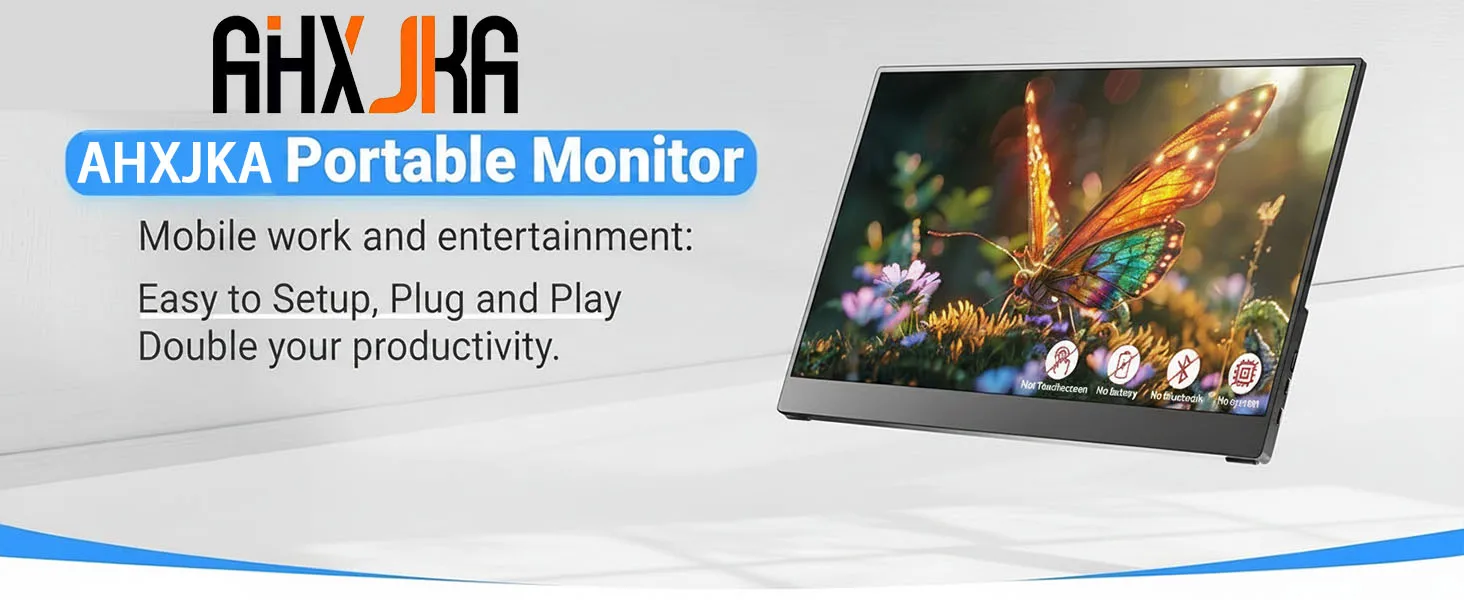

 Whats in the box?
1* Portable Monitor
1*User Manual
1*Type-C to Type-C Cable
1*USB-A to Type-C Cable
1*Mini HD Cable
Portable Monitor FAQ
Q: The screen shows “blue no signal”
A: This indicates the monitor itself is normal but not receiving any input signal.
For mobile connection: Check if your phone supports USB 3.1 video output, DisplayPort Alt Mode, or MHL. Incompatibility will cause this issue. You can use an HD adapter or Mini HDMI to HDMI cable for signal transmission.
For HDMI connection: Verify the graphics card connection. If a discrete GPU is installed, the video cable must be plugged into the discrete graphics card, not the motherboard port.
Q: Is an external power supply required during use?
A:
When connected to a laptop via Type-C, no extra power is needed. If flickering occurs due to insufficient power, additional USB power is required.
When using HDMI connection, USB power must be connected at all times.
Q: Why does the screen flicker?
A: Flickering is usually caused by insufficient device output or unstable power supply. We recommend using a PD power adapter of 30W or higher.
Q: Does it support vertical screen (portrait mode)?
A: The monitor does not natively support vertical screen display. It only outputs images. You can enable portrait mode by setting your phone to computer mode or adjusting display settings on a computer.
Q: The monitor cannot power on. What should I do?
A: Check if both the monitor and your device are powered on, and ensure all cables are securely connected. Test with another working device or cable.
USB-C connection: Supports “one-cable solution” (power + signal), drawing power directly from a laptop.
HDMI connection: HDMI only transmits video, so separate power is required. Choose one method:
Use a PD power adapter (30W or above) connected to a wall outlet.
Use a dedicated USB cable powered by a computer USB port (low power may cause dimness, flicker, or black screen).
Q: Why is there a buzzing or static noise from the monitor?
A: First identify the noise source. If it comes from the interface, re-plug the cable or replace it. If from the adapter or speaker, it may be due to poor quality of the power adapter.
Q: Why is the touch function not working?
A:
Confirm you purchased the touch-enabled model.
Check connections: For PC/laptop, connect HDMI, power cable, and dedicated touch cable. For USB-C, the port must support USB 3.1 or Thunderbolt 3.
For mobile phones: Screen mirroring is supported, but touch may not work in desktop or extended mode.
For computers: Touch accuracy may be affected if the monitor is set as the main display; it works better in secondary or extended mode.
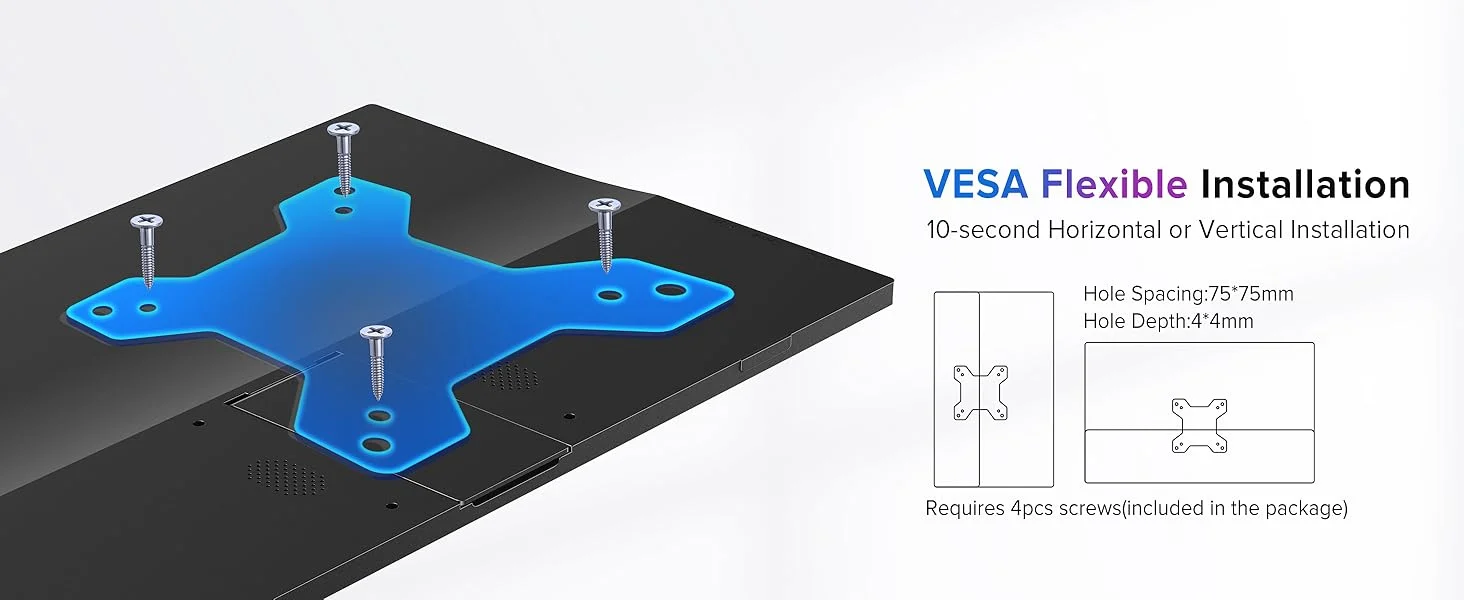
Q: Does it support VESA mount?
A: Yes, it supports standard VESA wall mounting.
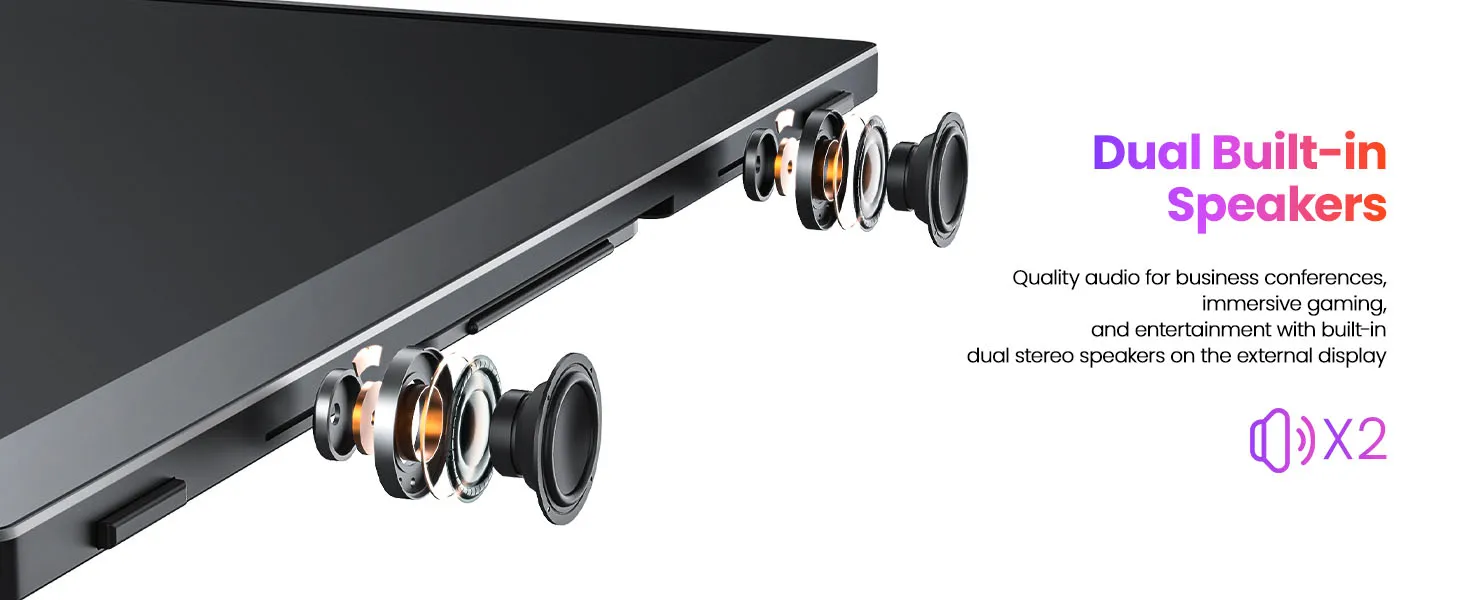
Q: Does this monitor have built-in speakers?
A: Yes, it is equipped with built-in speakers.
Q: Is it compatible with iPhones?
A: Generally not supported. After testing, only iPhone 15 Pro supports screen mirroring, but vertical screen and touch functions are unavailable.