

Wireless WiFi Thermostat for Gas Boiler for Water Floor Heating Smart Tuya Temperature Controller Alexa Google Home
White / China Mainland
Sale price
€103,18
Regular price
€142,86
Skip to product information

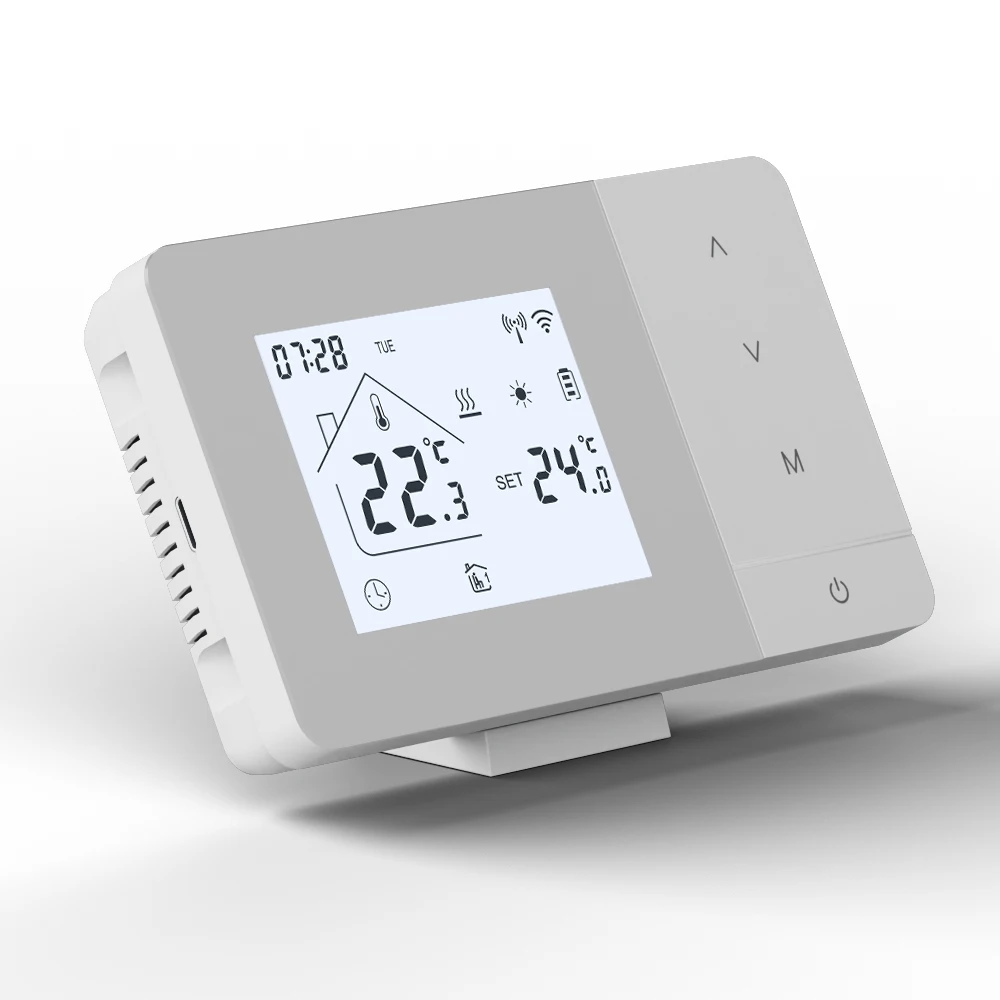
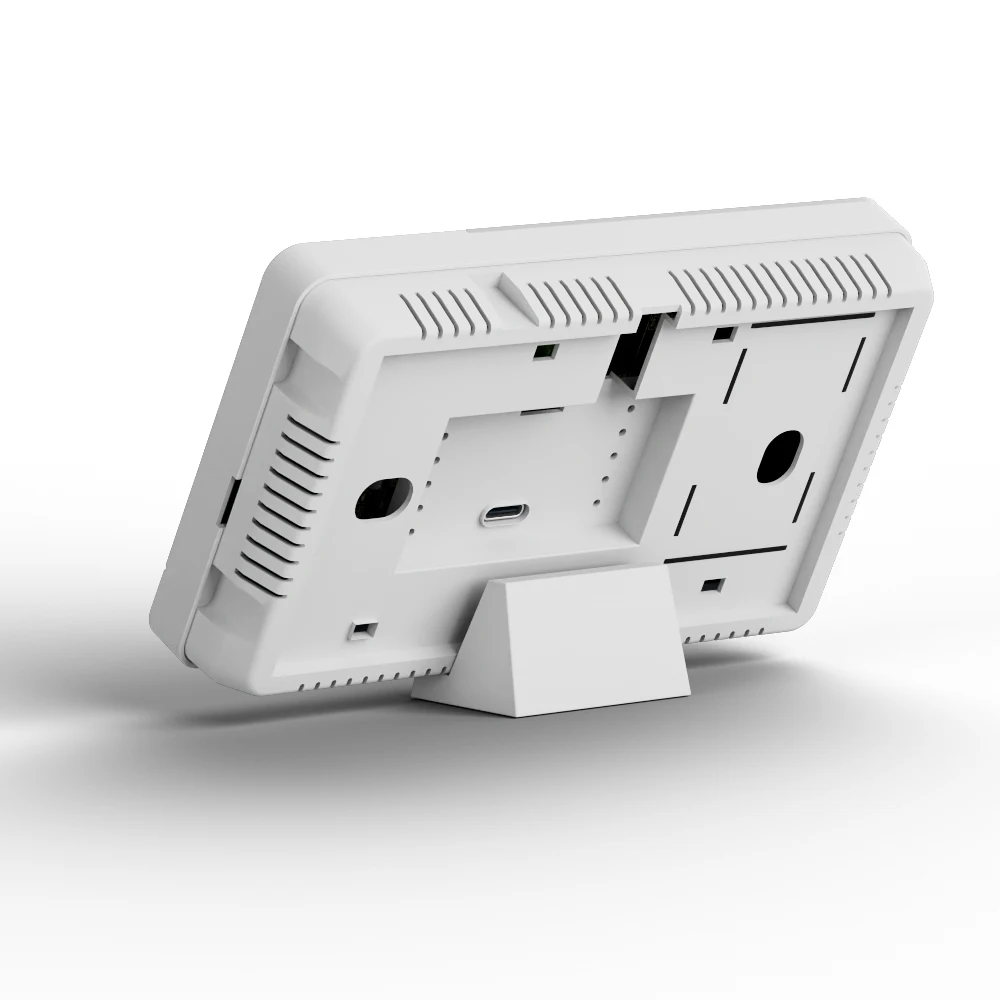
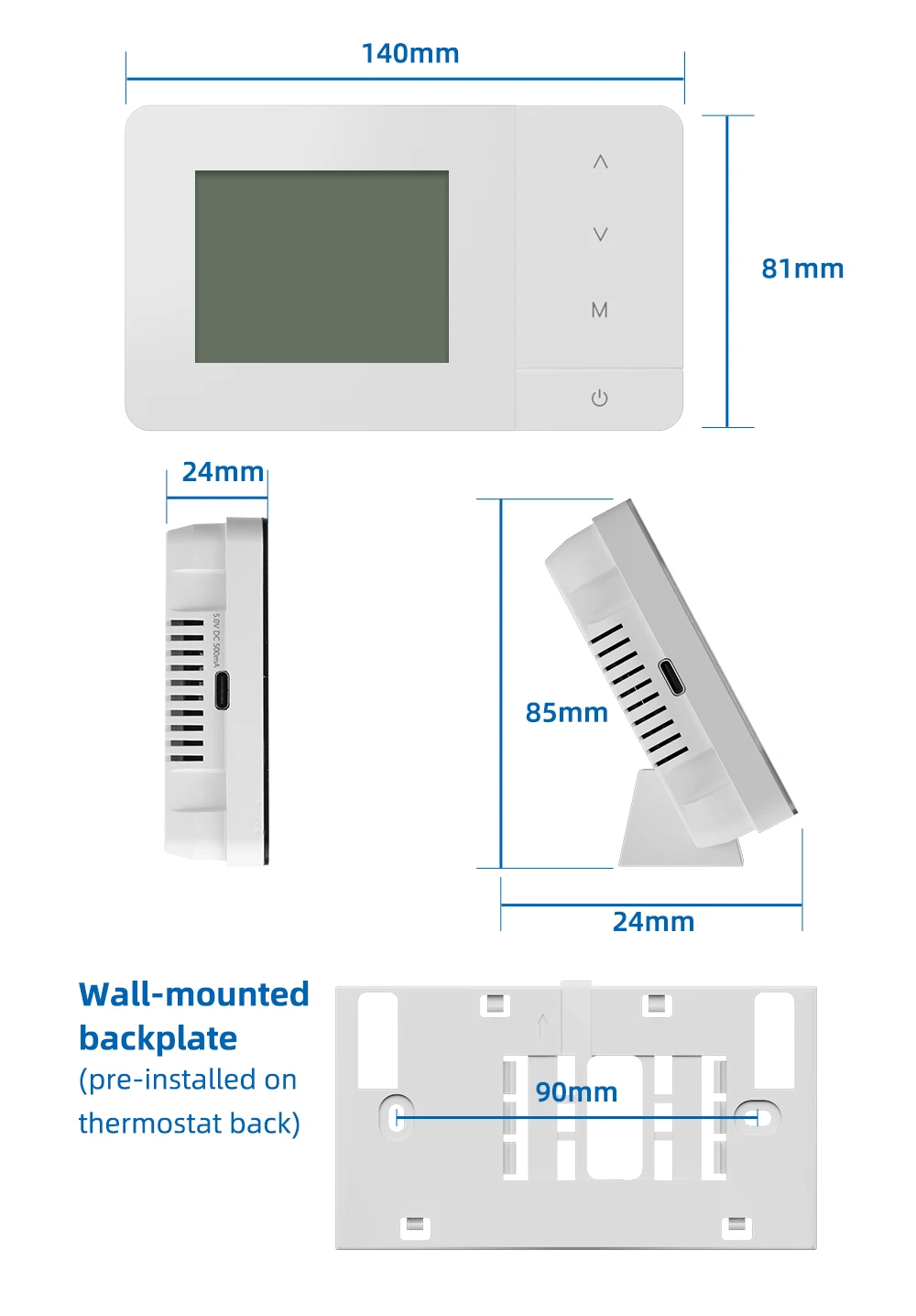
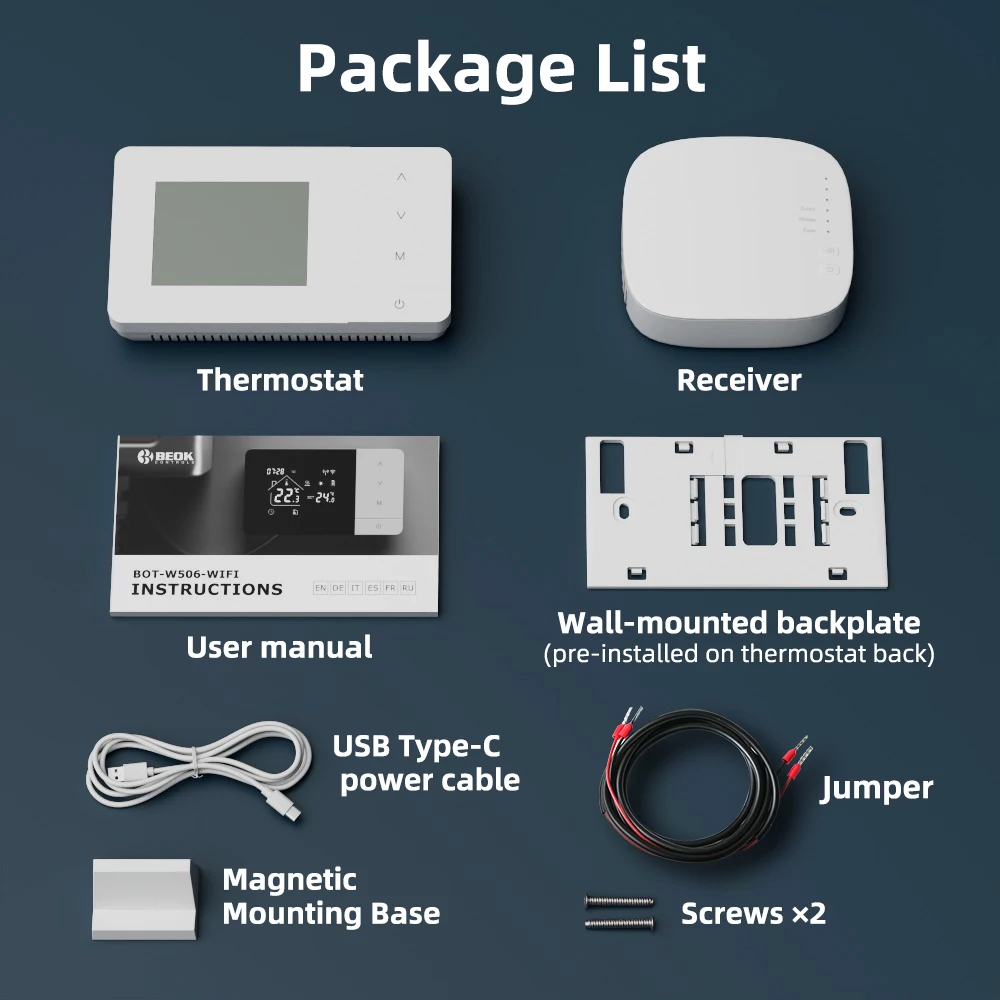


Wireless WiFi Thermostat for Gas Boiler for Water Floor Heating Smart Tuya Temperature Controller Alexa Google Home
Sale price
€103,18
Regular price
€142,86
SPECIFICATIONS
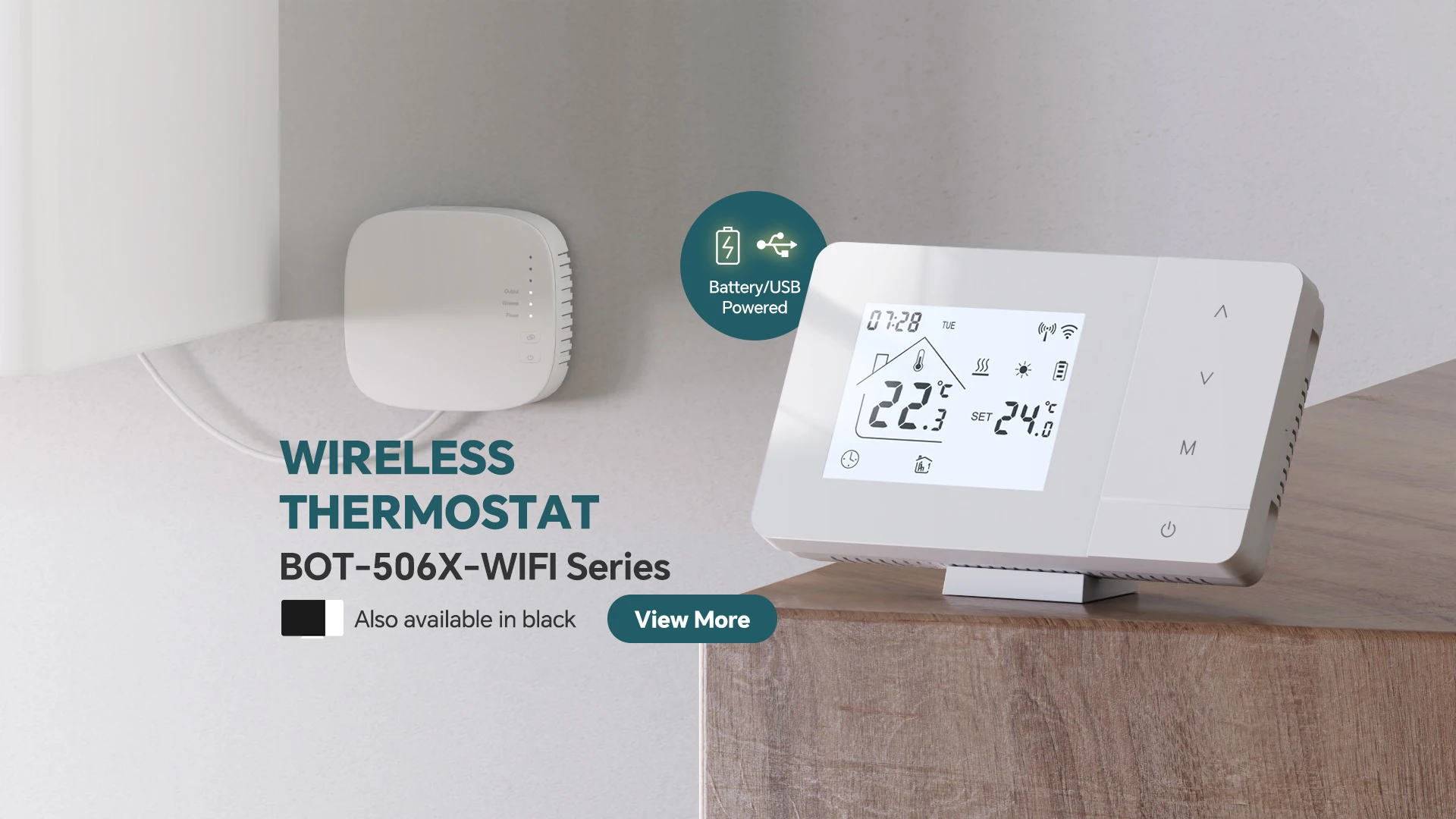
BOT-506X-WIFI: Wireless and WiFi Thermostat
Brand Name: VANCOO
Certification: CE
High-concerned chemical: None
Model Number: BOT-506X-WIFI
Note: If you need pair and wifi connect video, please contact us directly.
Origin: Mainland China
Smart home platform: Tuya
Style: Wireless Thermostat
Style1: Thermostat Gas Boiler
Style2: RF Wireless Temperature Controller
Style3: Thermostat For Gas Boiler
Style4: Battery Thermostat
Style5: Wireless Thermostat for Gas Boiler
Style6: Smart Room Thermostat
WIFI Connect: Need to turn on the Bluetooth and 2.4G wifi
Wattage: 3A
BOT-506X-W-WIFI: Intelligent digital thermostat is a temperature controller suitable for water and gas boiler heating systems.
Through comparing ambient temperature and set temperature,it controls the working state of the gas boiler or actuators to adjust the ambient temperature, which is comfort and energy saving.
Specification:
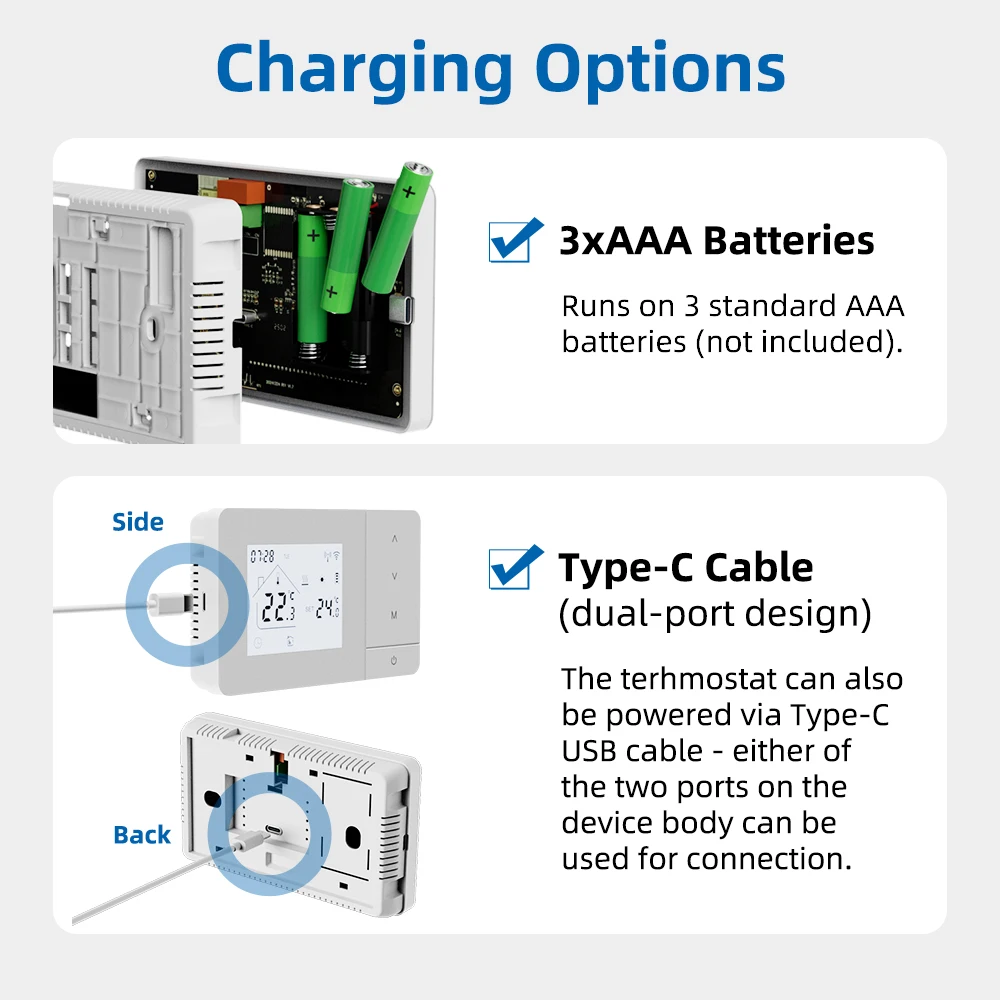
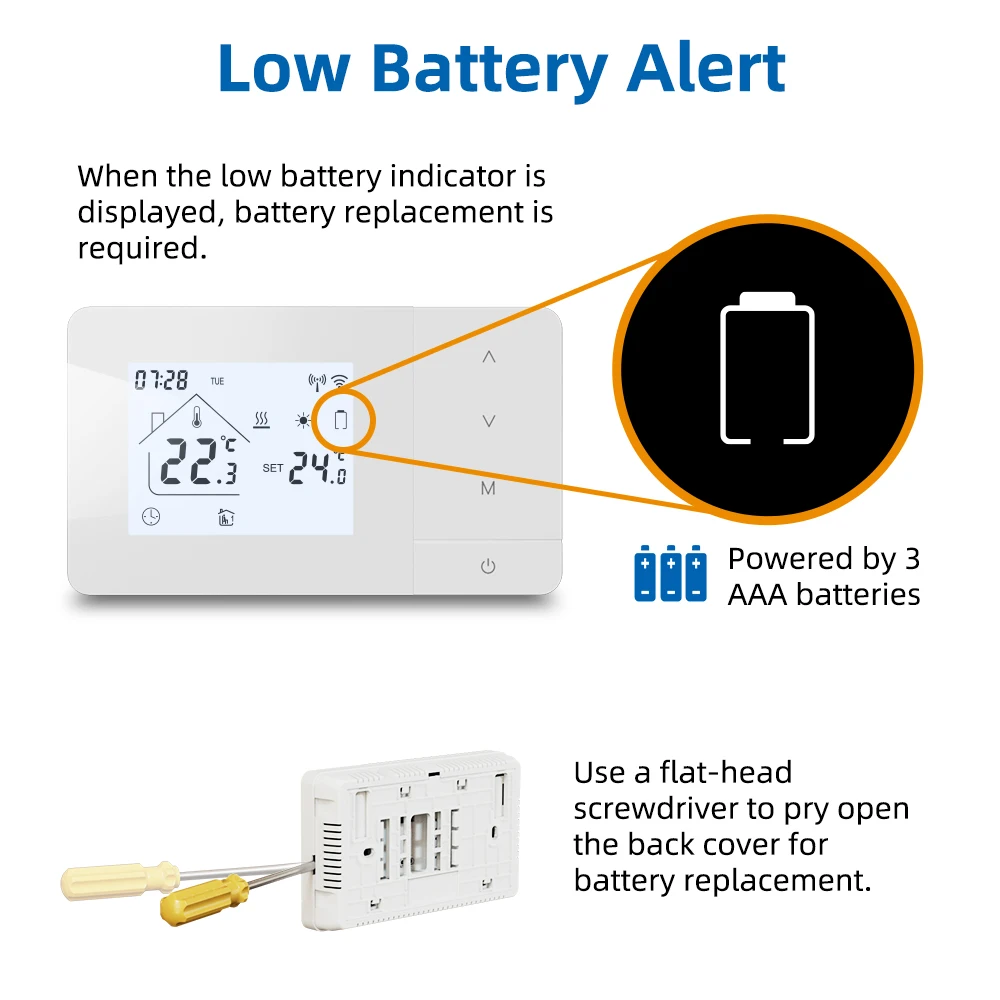
—Controller Power Supply: Battery or USB Type C
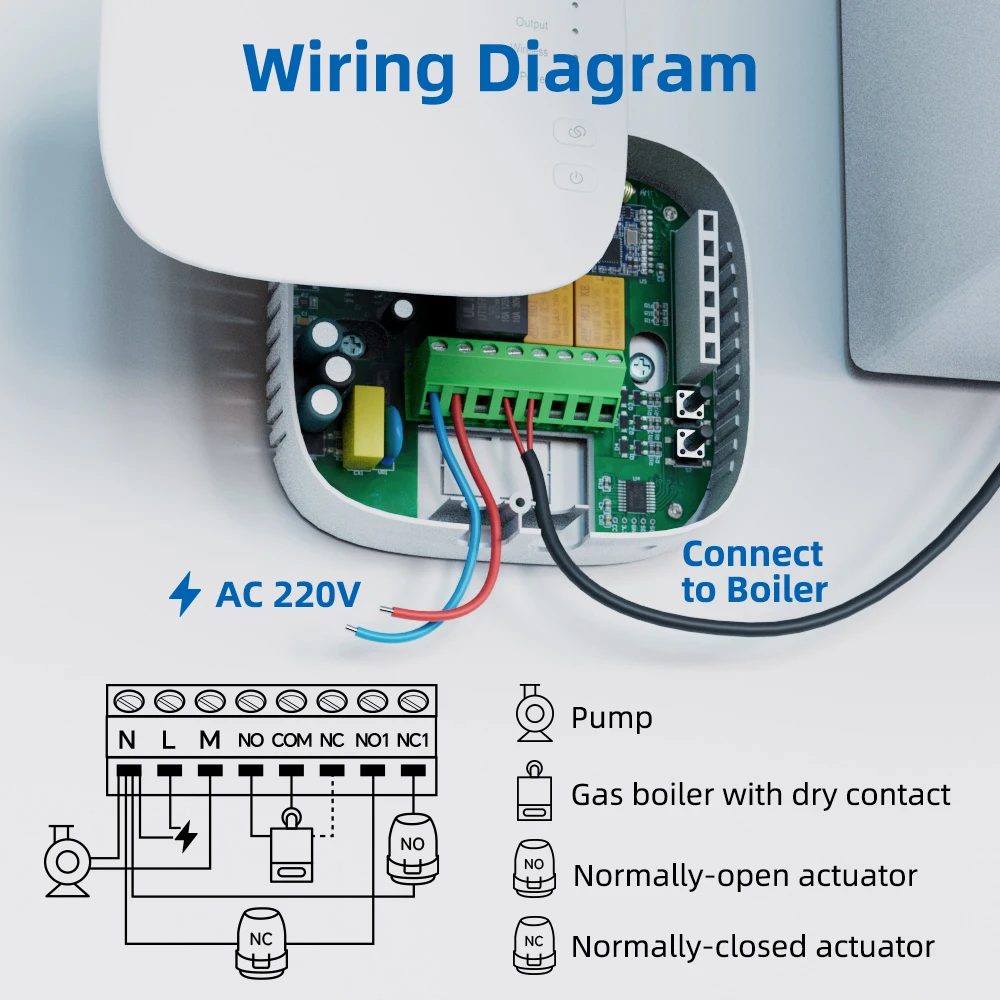
—Receiver Power Supply: 220V
—Control objects: boiler (via "dry contact"),pump, actuators or valves
—Temperature difference on/off: +-0.5°C
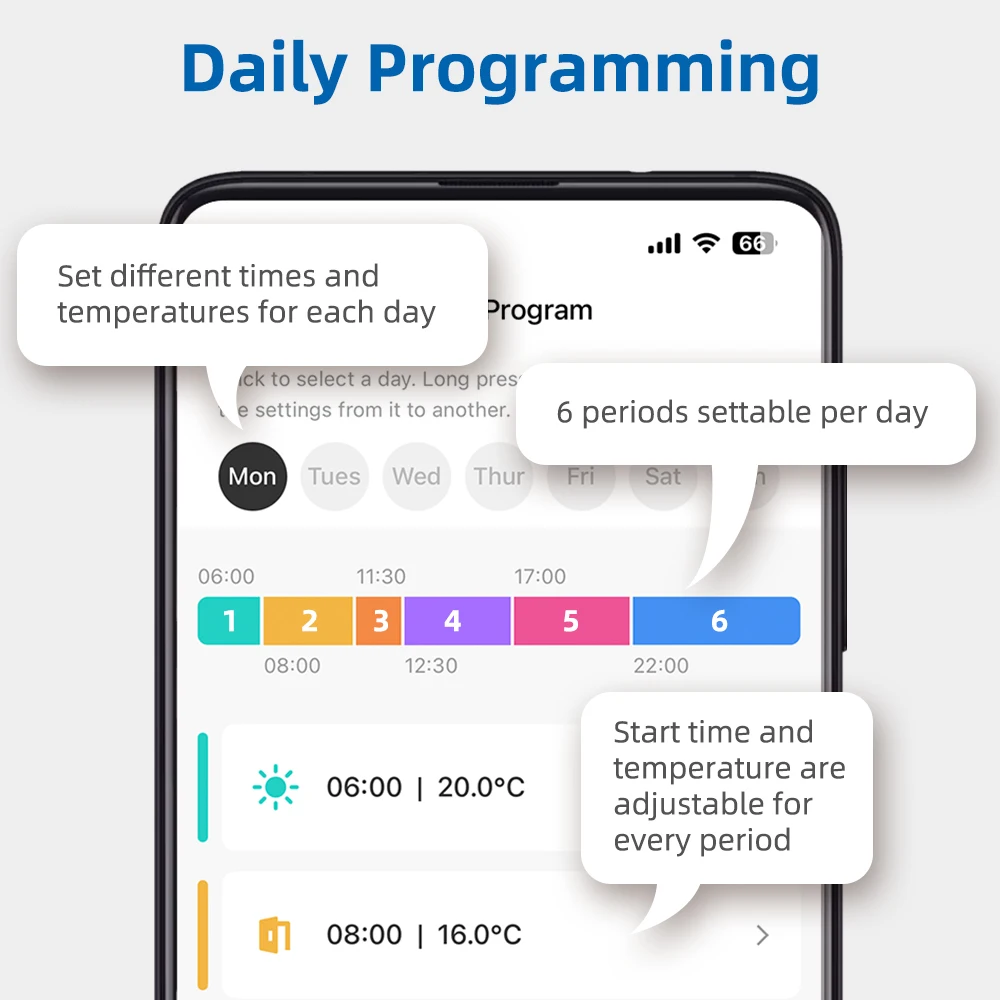
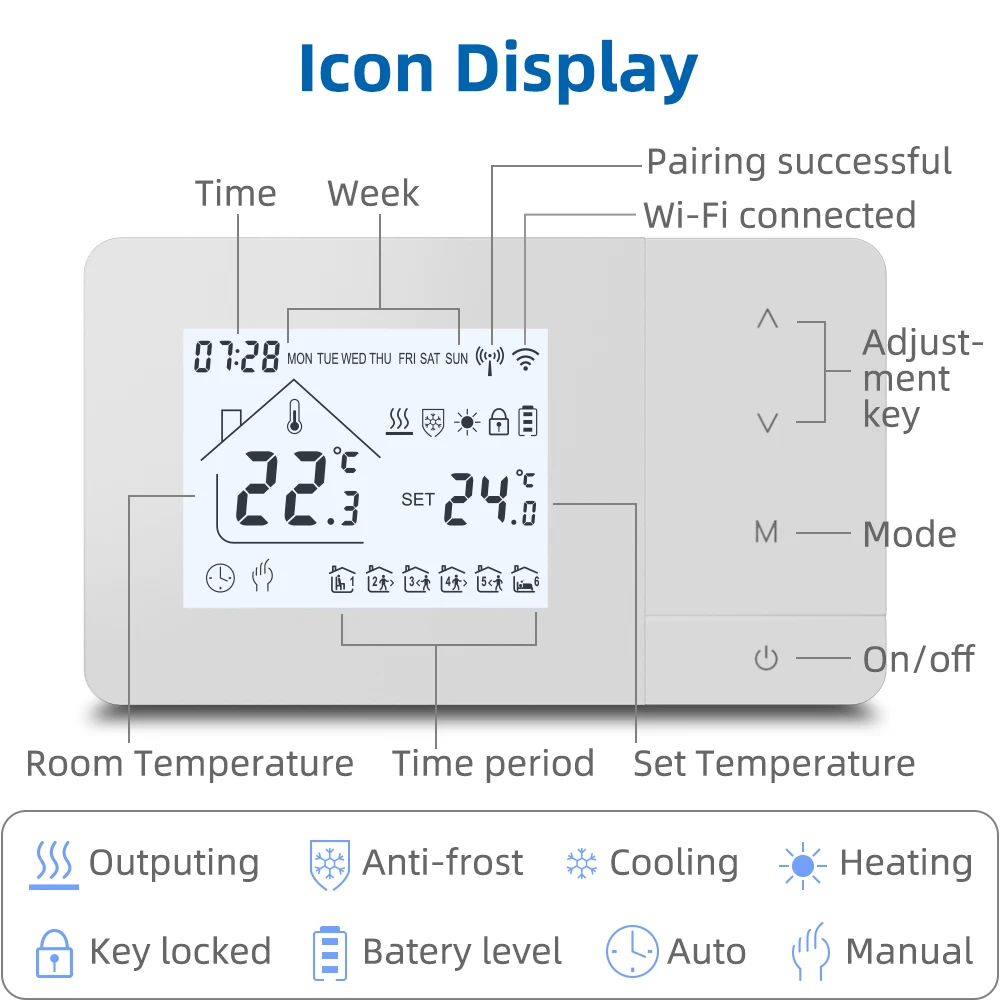
—Programmable for a week: 7 days - every day have 6 periods can set
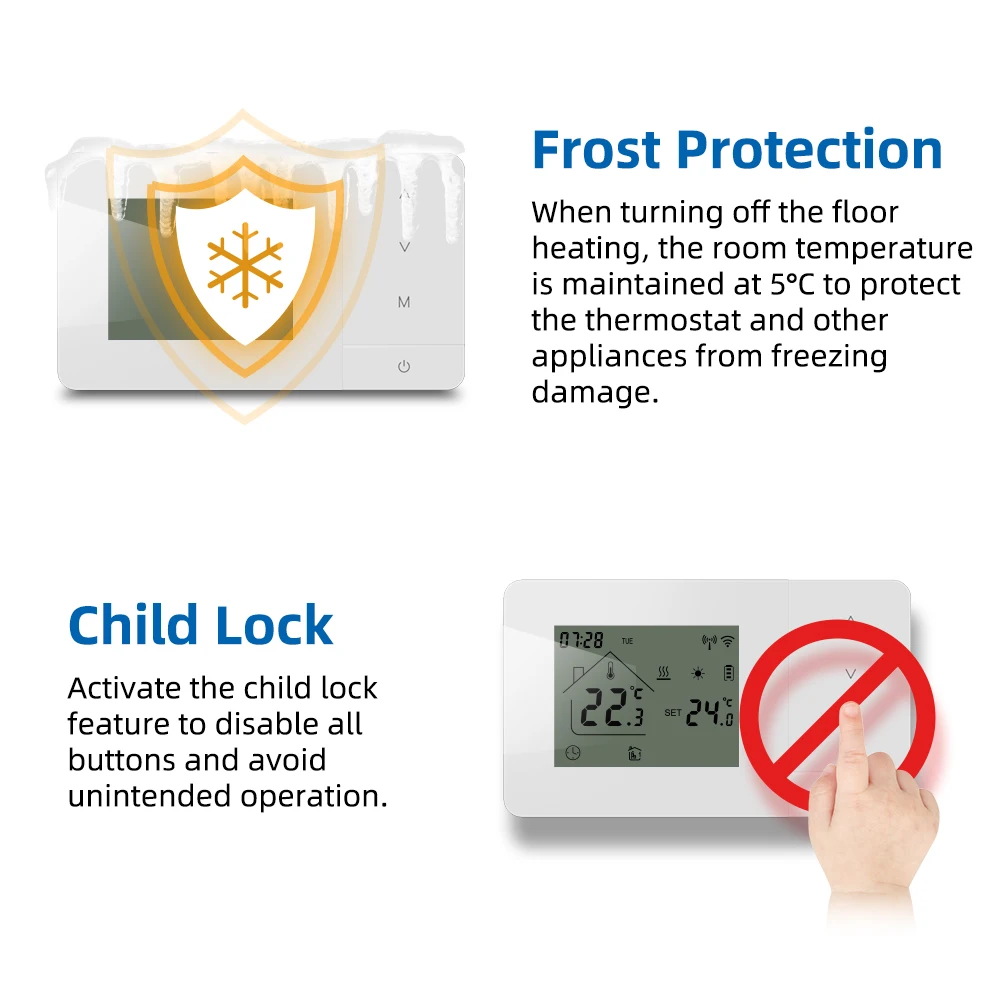
—Child Lock: Yes
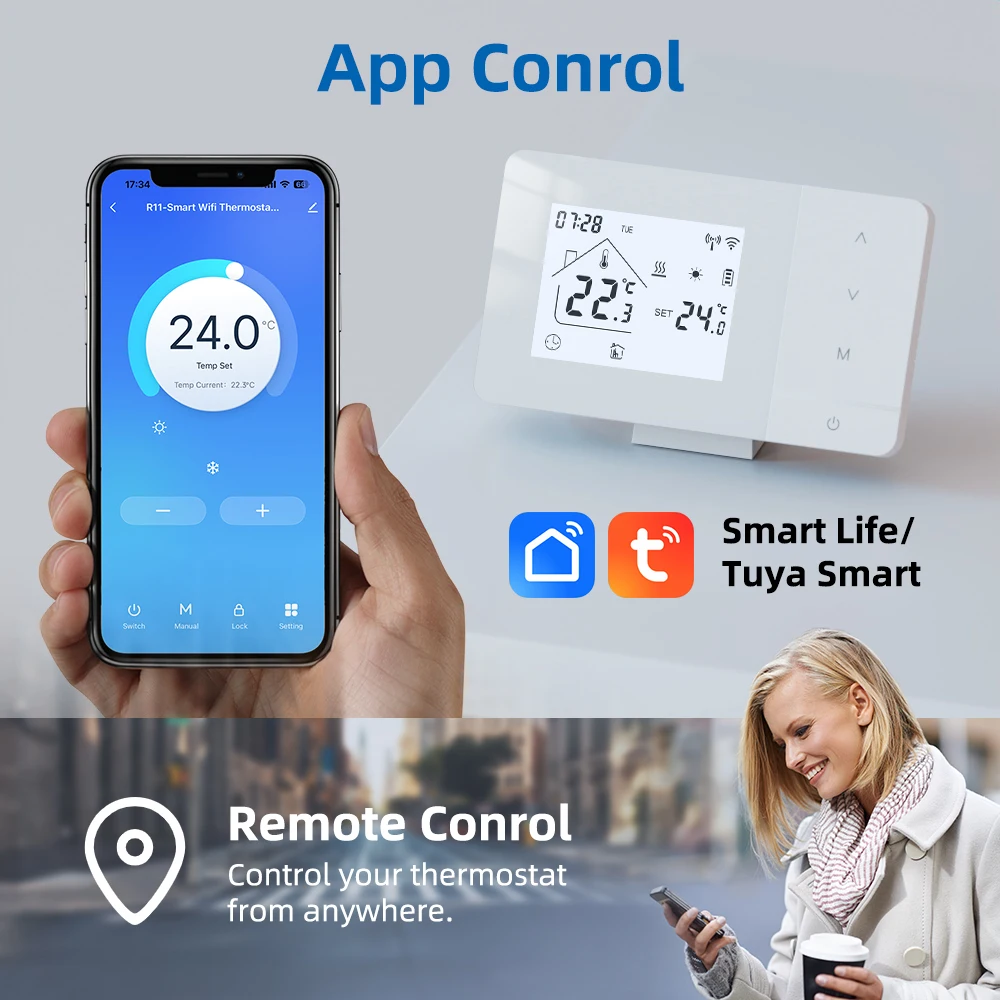
—APP :Tuya Smart/Smart Life
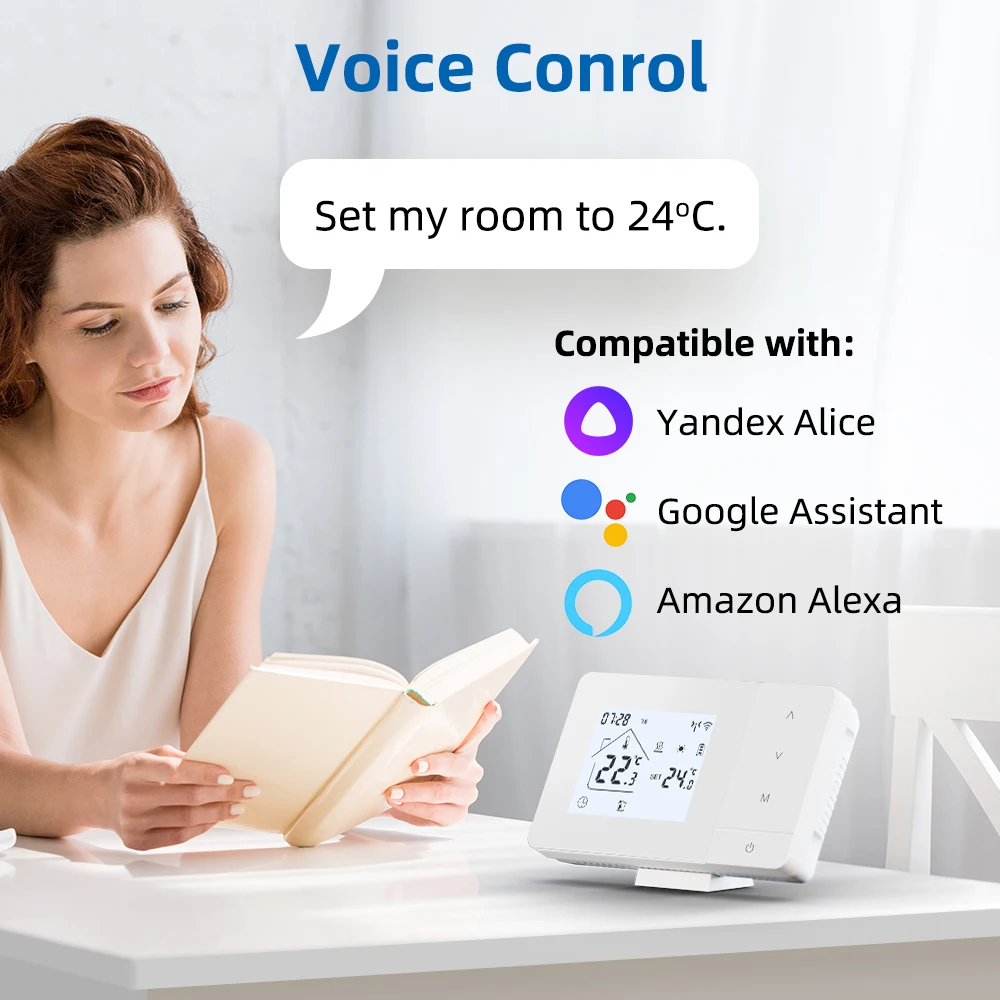
—Voice Control:Yandex Alice,Amzone Alexa,Google Assistant
Features:
【APP Control】Connect to the Tuya/Smart Life App and remotely control it through your phone.
【Voice Control】Can work with Google Home, Alexa, and Alice
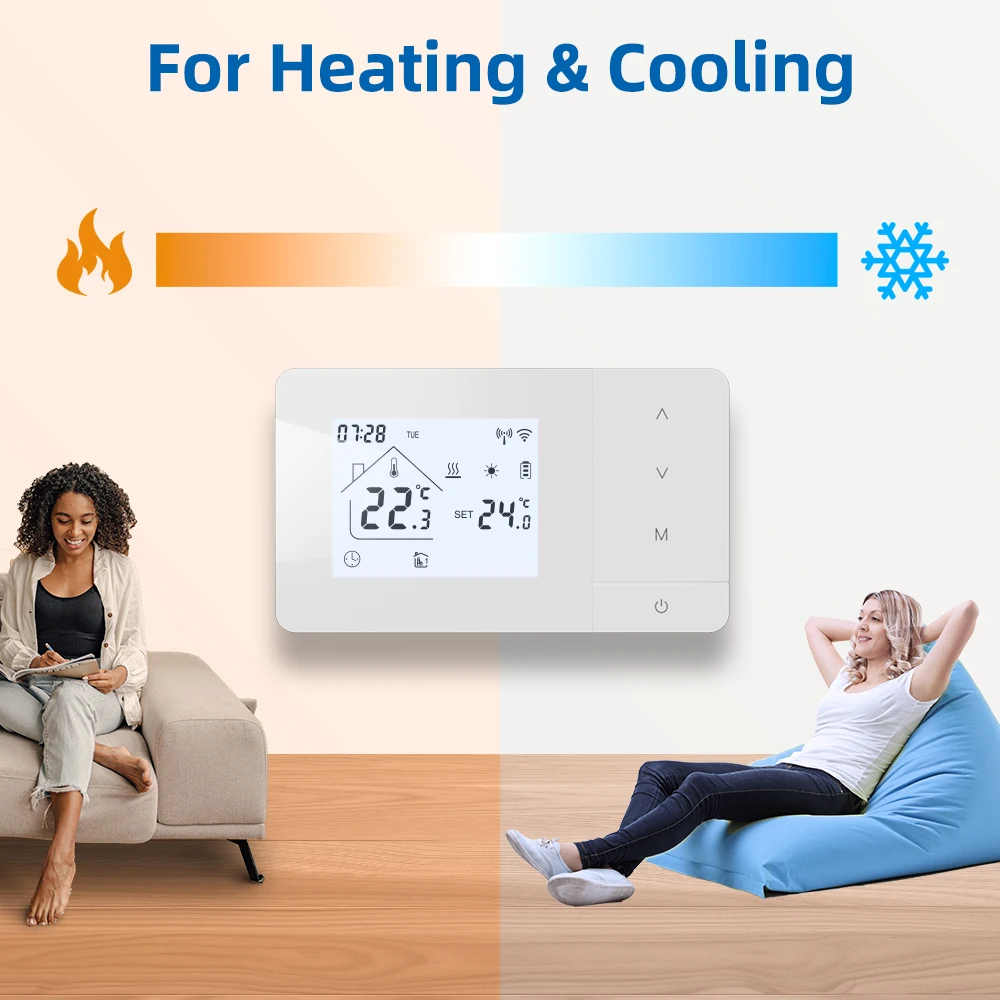
【Heating and Cooling】Support switching between heating and cooling
【Programmable】It can be programmed by phone or manually, Every day can be set for 6 time periods.
【Accuracy:±0.5℃】It can maintain a constant room temperature.
【2 power supply methods】It can be battery powered or USB powered.
【Antifreeze】The antifreeze function can protect indoor equipment from freezing due to low temperature.
【Child Lock】Prevent children from changing settings at will.
Product Show
How to pair the thermostat controller and receiver?
1. Long press the paired button until the receiver's 'wireless' light
2. Turn on the thermostat, and long press the "Down" button until the wireless icon on the thermostat flashes quickly and the receiver's 'wireless' light is on
3. The thermostat and receiver is paired successful!
If your boiler still does not work, I hope you can take a video and send it to us, we will verify the problem according to the working status of the thermostat and give you a solution!
Before wifi connection.
1 make sure your wlan network is 2.4ghz, not 5G.
2 Confirm that the wifi password and name only have letters
3 Make sure your Bluetooth is turned on
4 Make sure the wifi your phone is already connected to is on the same network as your thermostat